
Start with a design that fits
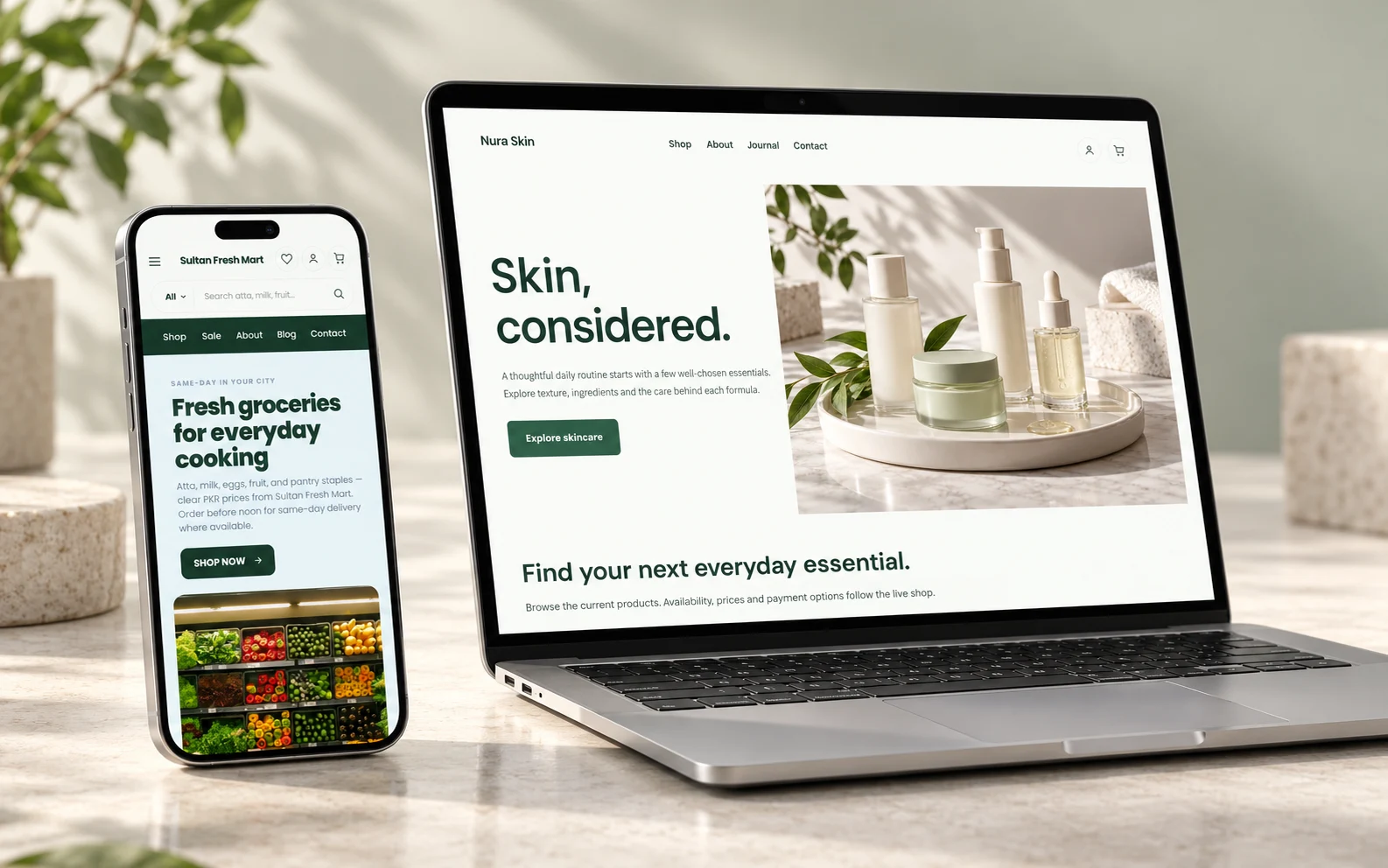
Browse Bizlif website themes, then make the pages, photos and content your own. Your theme is a starting point, not a substitute for your business information.
Choose for the content you have
Look at the layout your business needs, not just the colours in a preview. A product-heavy store needs a different starting structure from a photographer’s portfolio or a local service website.
Try to picture your own photos and headings in the design. A beautiful sample image cannot fix an unclear offer or missing product information.
Replace the sample content carefully
Change the business name, photos, contact details, products and policy links. Remove sample claims, prices or sections that do not apply to you.
Work through the menu as a visitor and check every destination. A theme preview demonstrates a layout; it does not mean every illustrated industry workflow is an available business app.
Make the mobile version part of the design
Check the page using desktop, tablet and mobile previews. Make headings readable, buttons easy to reach and important information visible without excessive scrolling.
Test your real content, including long product names and portrait images. A layout that looks good with sample copy may need a different arrangement for yours.
Use the builder to refine the result
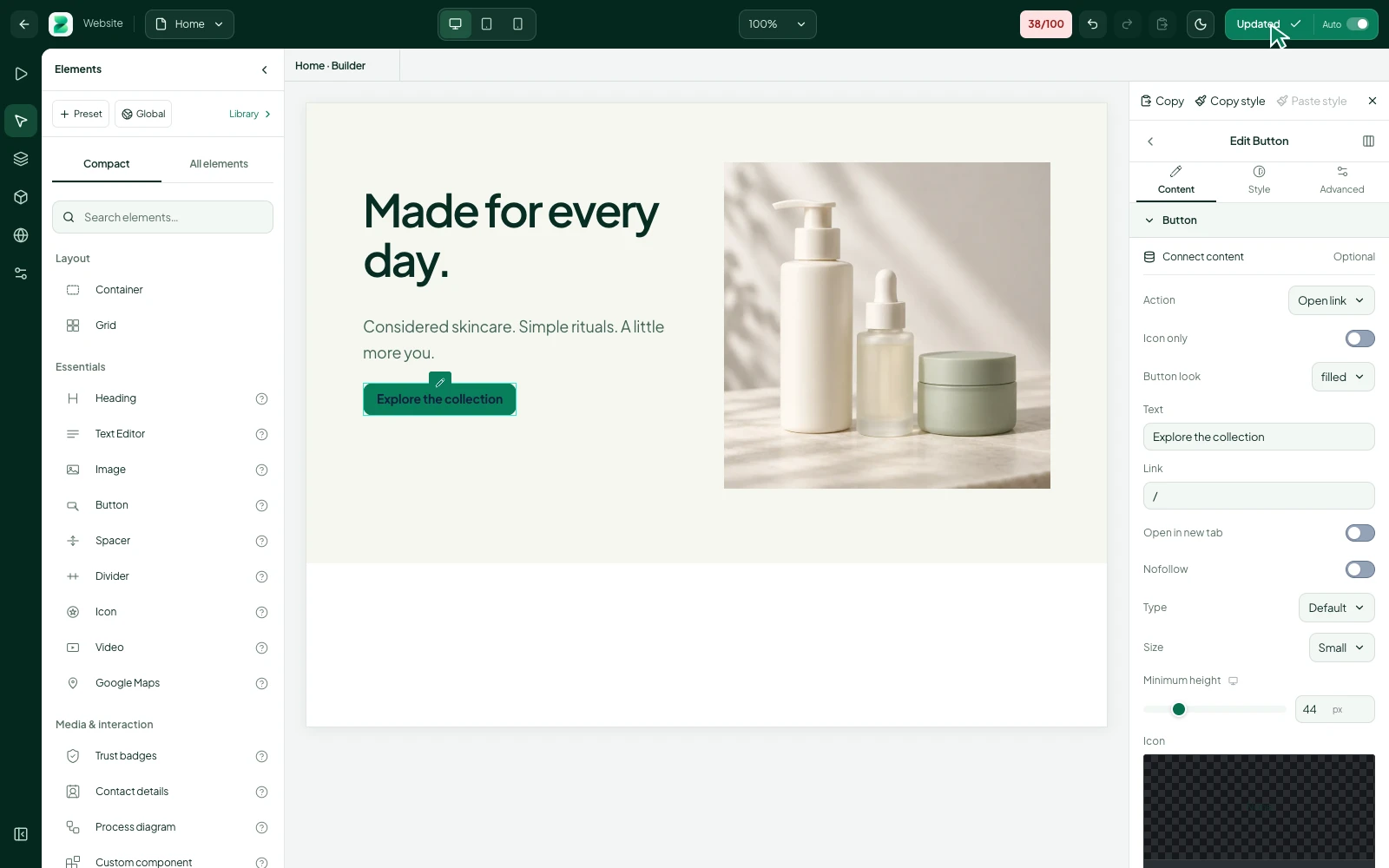
Arrange elements, adjust their properties and create the pages your business needs. Reuse a section that works instead of making each page unrelated to the last.
Save a draft while you prepare your changes. Review your navigation and page settings before publishing.
Keep the theme connected to the business
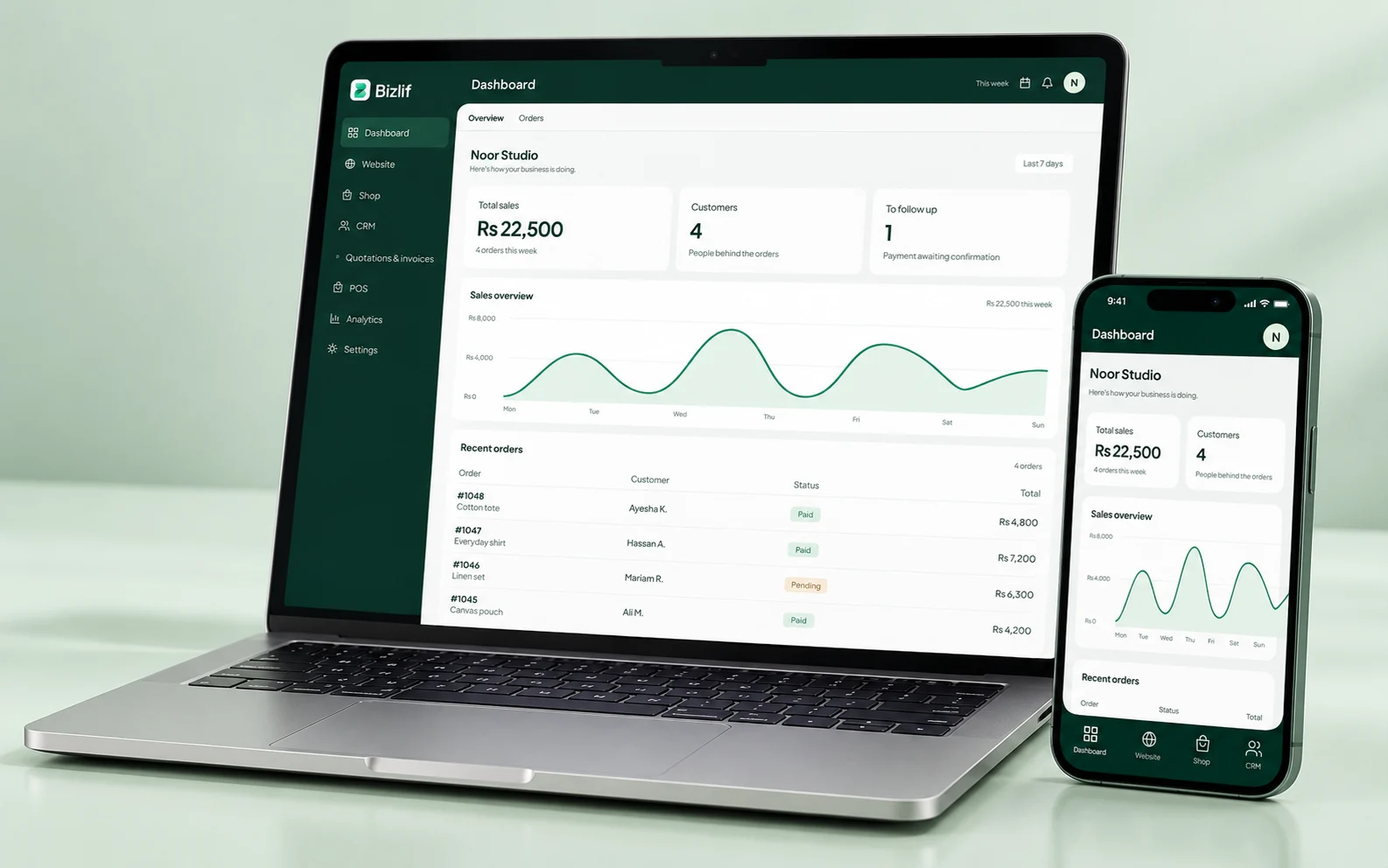
Add store content, articles or available business apps as the website grows. Check the selected business before changing a design or its records.
Theme availability, team access and business limits are shown in the current catalog and plans. Use those live details when making a decision.
Choose a theme during setup
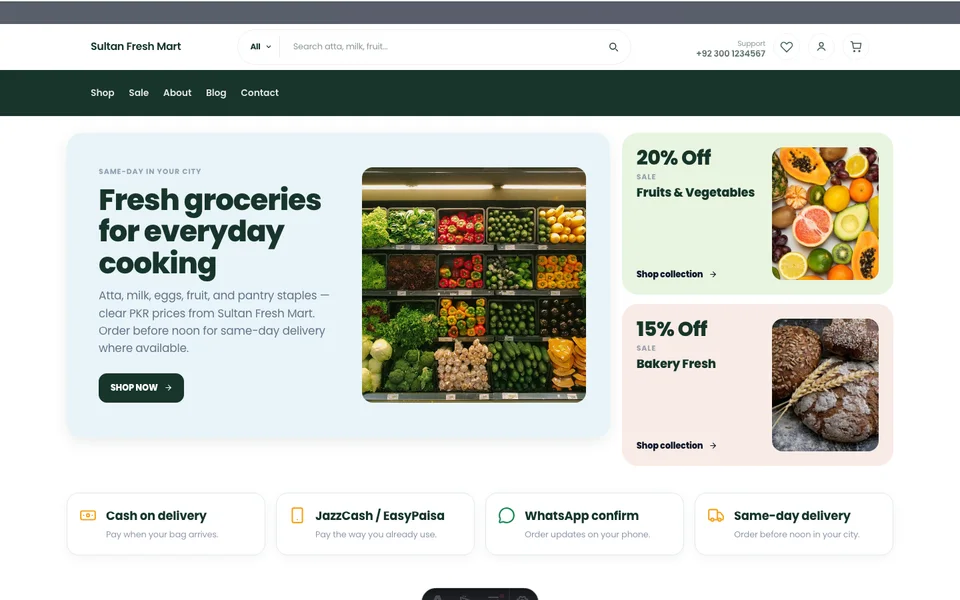
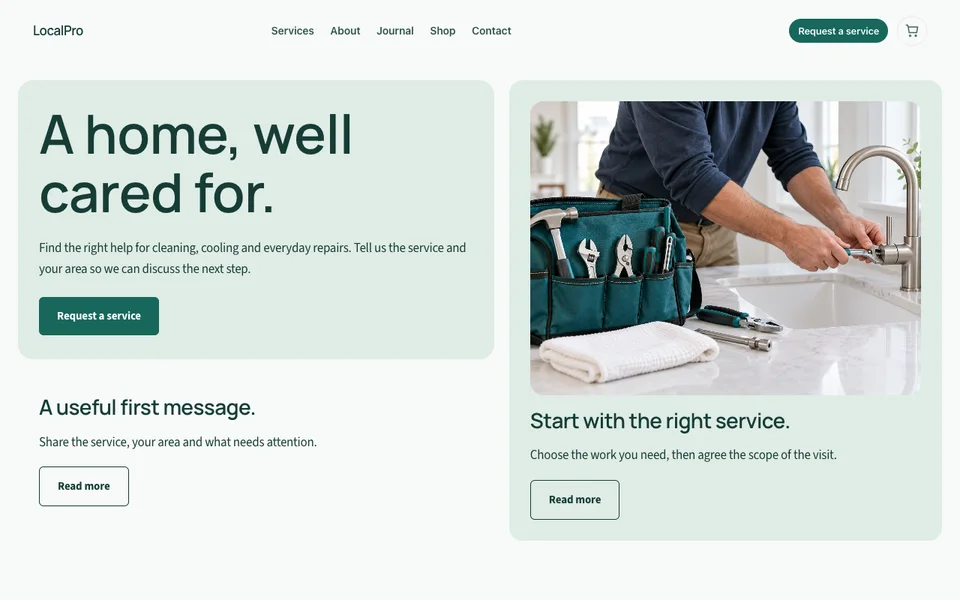
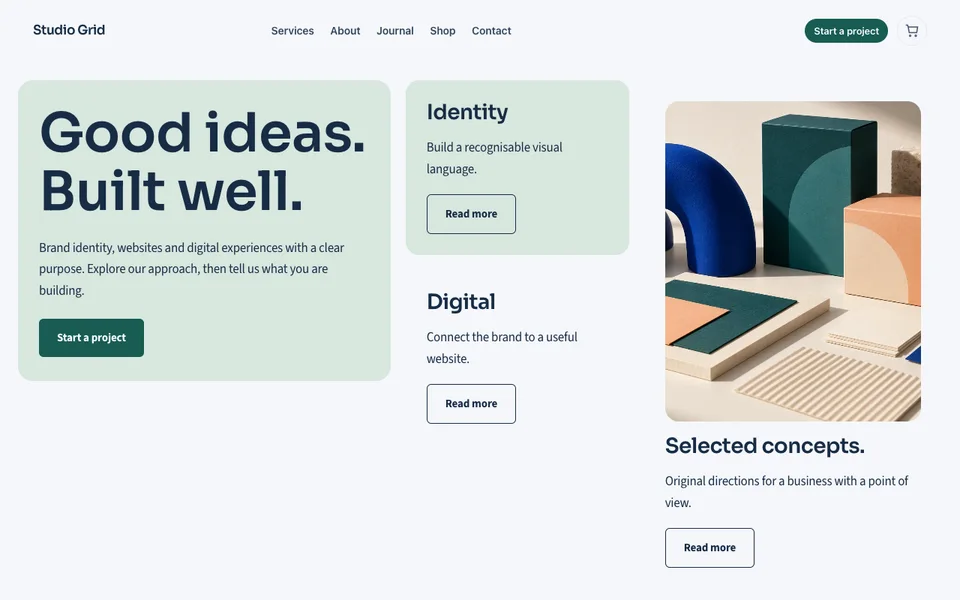
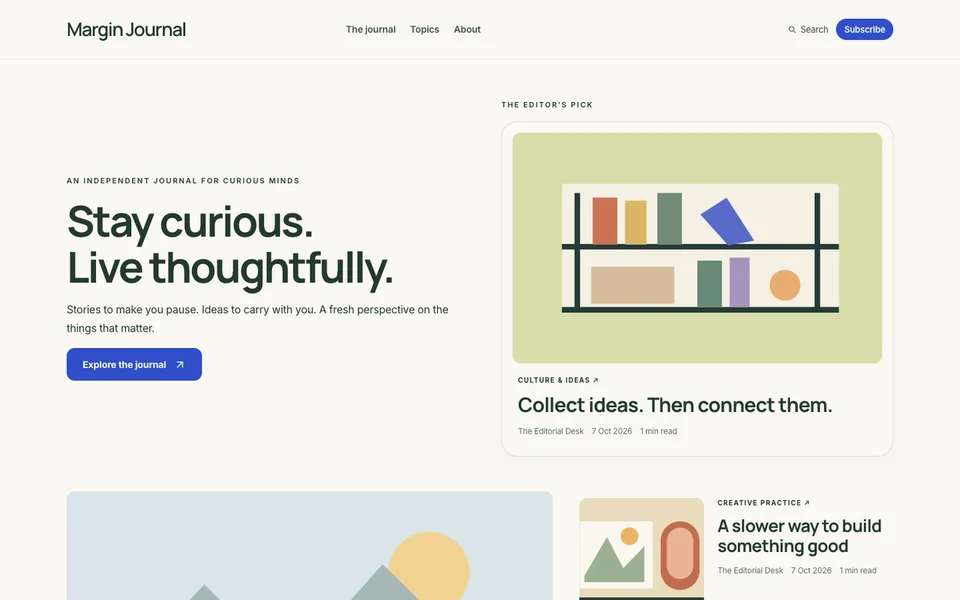
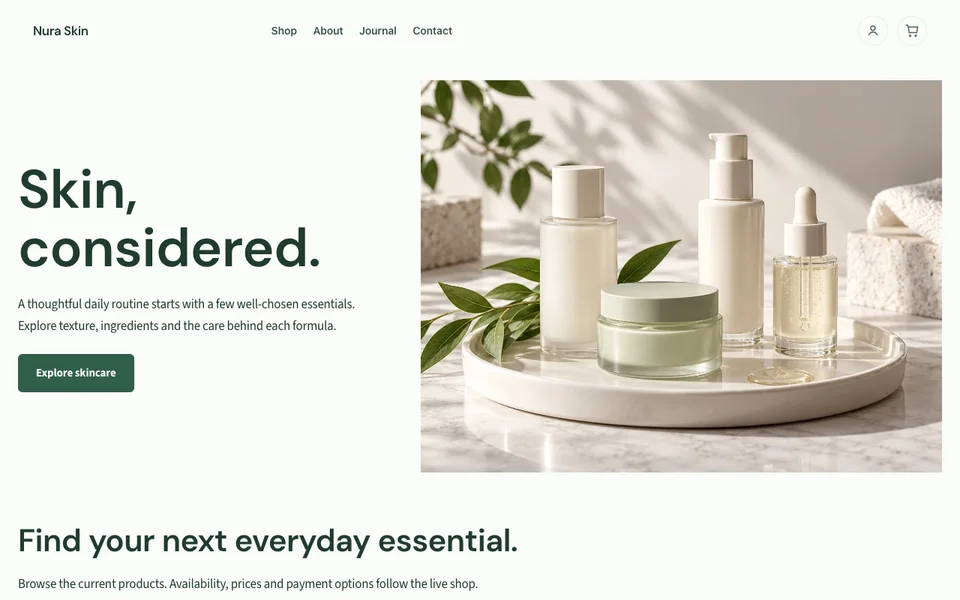
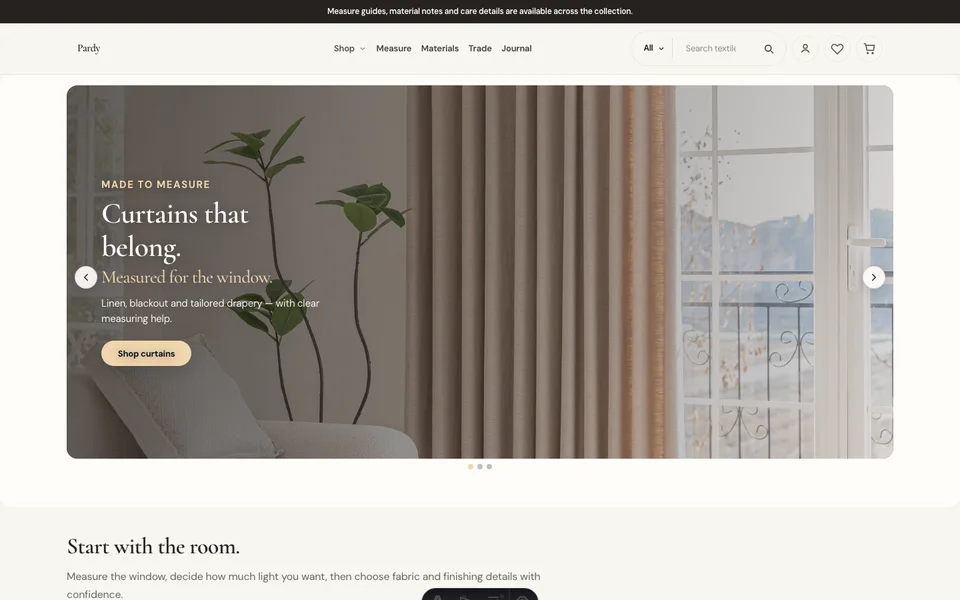
Open the current catalog when you create your website. The previews below show examples from the Bizlif collection; your account shows the themes currently available to install.
Start free if you want to explore the workflow before buying a paid plan. You can compare current limits and upgrade when your business needs more room.
Find your starting design
Put it into practice
Choose a layout for your real content
Choose a structure for your actual content, then replace the sample branding and media. Check long headings and images at smaller widths.
Replace the sample business details
Complete this task with the information from your own business. Save unfinished work separately and check the result before moving to the next step.
Apply your own photos and colours
Choose a structure for your actual content, then replace the sample branding and media. Check long headings and images at smaller widths.
Check long titles and mobile layouts
Open the actual page or workflow on a phone. Follow links and actions as a customer would, including the result after submission or checkout.
Set the menu and page SEO properties
Match the page settings to the actual content and the visitor’s purpose. Use a descriptive title and check the public page after saving.
Publish and follow every important link
Record the relevant customer requirement and agree the next action. Keep private information limited to the people who need it.
Common questions
Can I start for free?
Yes. Start with a free account and choose from the themes currently available during setup. Your own content and media should replace the sample business details.
Read the practical guidesCan I edit my website after publishing?
Yes. The theme supplies a starting layout; the builder lets you change supported elements and properties. Check mobile layout and menu links after your changes.
Read the practical guidesWhere can I check current plan limits?
Your account shows available themes and current plan limits. Compare storage, products and team access against the content you want to publish.
Compare current plansMake your next move
Start free with your own website and add the business tools you need. No coding or separate hosting setup needed.
Start free