
Your counter sales, connected
Use Bizlif POS to prepare a basket, record payments and manage counter sales alongside the rest of your business.
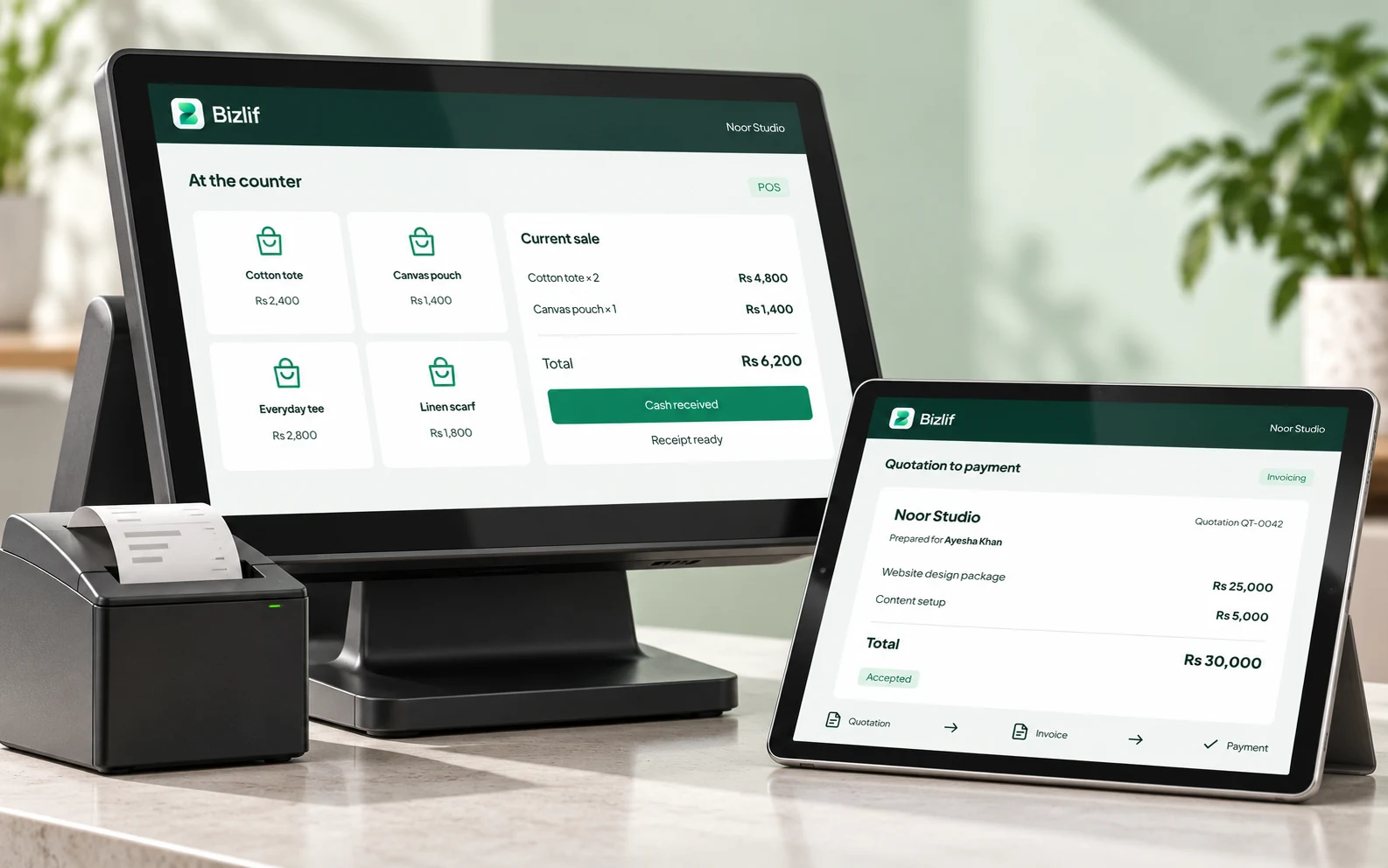
Build the basket, serve the customer
Find products, add them to the basket and review the sale before completing it. Associate the customer where needed and record the method of payment.
Use supported split-payment and return workflows when the situation calls for them. Check the totals before finalising a transaction.
Keep products and stock together
Manage the catalog your team sells from and review stock movements through inventory tools. Record adjustments carefully so the stock picture remains useful.
Each business keeps its own products and records. Check the selected workspace before changing prices or adjusting stock.
Review the register at day’s end
Use register sessions and available sales records to review the day’s activity. Compare recorded transactions with the money and payment references your team actually received.
Check receipt-printer compatibility and payment setup before relying on a device at your counter. Keep an internet connection available for the connected workspace.
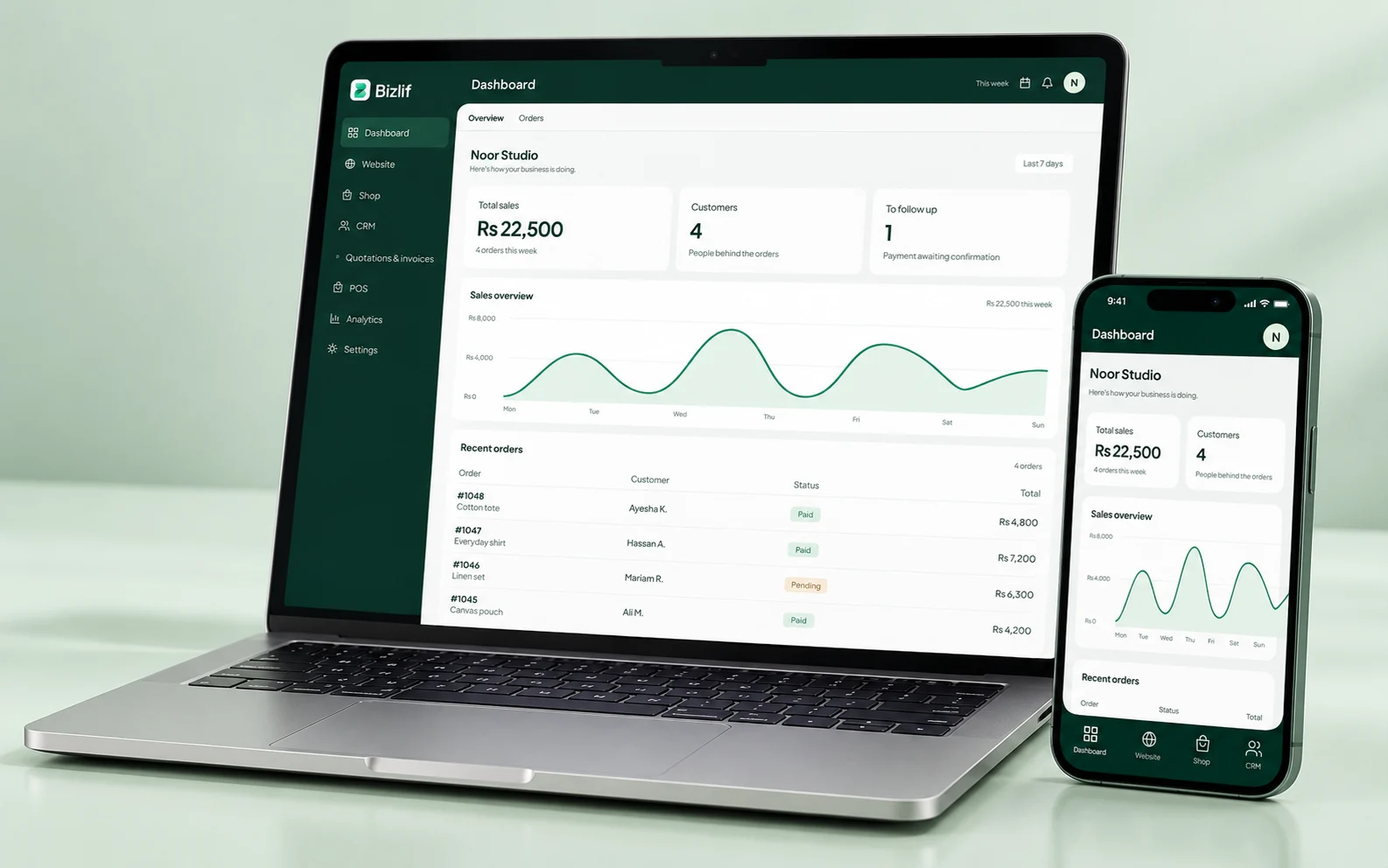
Prepare before the busy shift
Check product prices, the selected business and the register session before serving customers. If you plan to print receipts, verify the printer and connection with your actual hardware. A compatible browser does not make every retail device compatible.
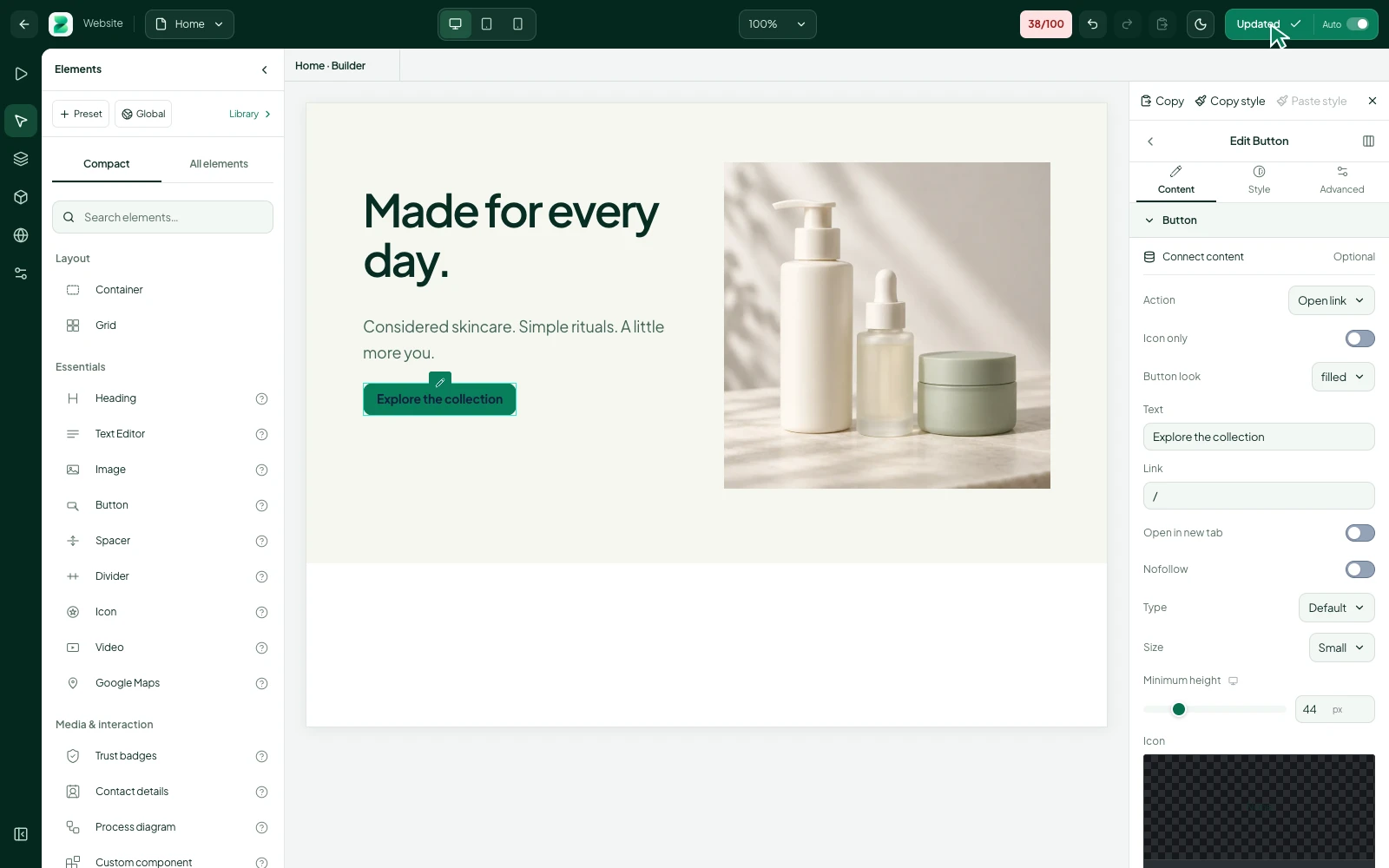
Keep returns traceable
Use the supported return workflow and review the original sale where available. Check quantities, payment handling and the stock effect of the return. A refund or stock correction needs a clear record so the next person reviewing the register can understand it.
Review the day with a specific question
Compare recorded sales and payment methods with the money actually received. Investigate a difference while the details are fresh. Look at stock movements and product availability as well as the headline total; a correct total alone does not prove every record is right.
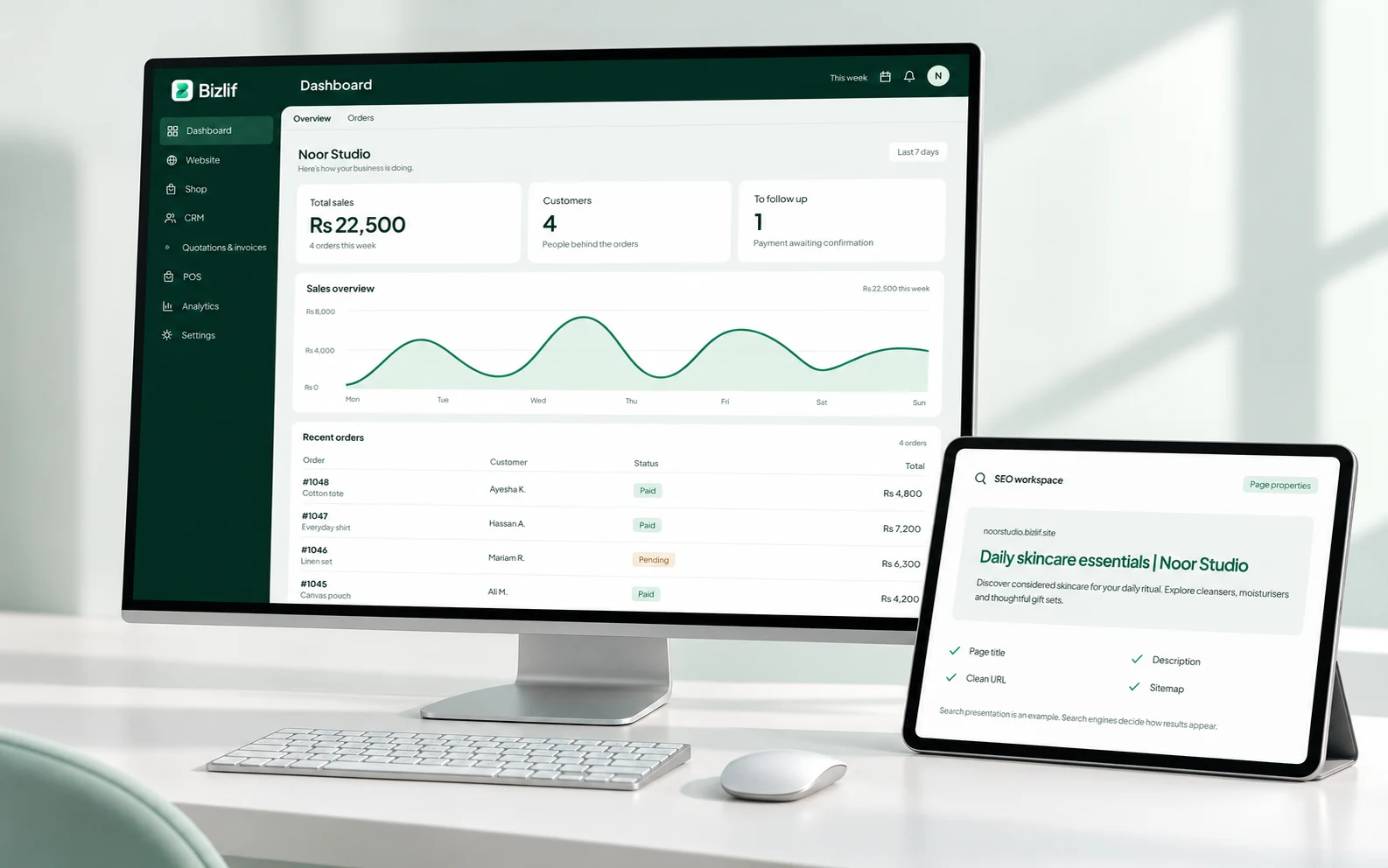
Put it into practice
Set up the product catalog and prices
Prepare accurate names, quantities, prices and useful descriptions. Organise the records so your team can find the right item without guessing.
Confirm the register and supported payment methods
Complete this task with the information from your own business. Save unfinished work separately and check the result before moving to the next step.
Prepare and check the customer basket
Complete this task with the information from your own business. Save unfinished work separately and check the result before moving to the next step.
Record the sale and payment accurately
Complete this task with the information from your own business. Save unfinished work separately and check the result before moving to the next step.
Handle returns through the relevant workflow
Complete this task with the information from your own business. Save unfinished work separately and check the result before moving to the next step.
Reconcile the register and review stock movements
Prepare accurate names, quantities, prices and useful descriptions. Organise the records so your team can find the right item without guessing.
Common questions
Can I use POS alongside my online store?
Bizlif provides POS and online-store workflows in the business workspace. Configure the relevant apps and keep product and inventory records accurate. Test the full workflow for your own setup before relying on it during a busy shift.
Read the practical guidesDoes the subscription include a card terminal?
A subscription does not include a physical card terminal or guarantee compatibility with a receipt printer. Hardware, gateway accounts and payment-provider charges are separate matters. Confirm your actual devices and connections before purchase.
Read the practical guidesShould I keep an internet connection available?
Yes. Keep a connection available for the connected workspace. Do not assume every app action, payment method or peripheral will work offline. Check the supported behaviour for the actual feature and device you plan to use.
Compare current plansStart your business website free
No coding needed. No experience needed. Choose a free plan, build your first page and publish when you are ready.
Start free