Choose the right website platform
Compare the work you need to do, the costs you need to check and the tools you will manage after the website goes live.
Start with the business requirement
Write down the jobs the platform needs to handle: publishing pages, selling products, recording counter sales, following enquiries or preparing invoices. Decide which are essential now.
Then compare the specific plan and integrations needed for that workflow. A low entry price is not a useful comparison if the tool you need requires a different plan or an additional service.
Bizlif and Wix: review the whole workflow
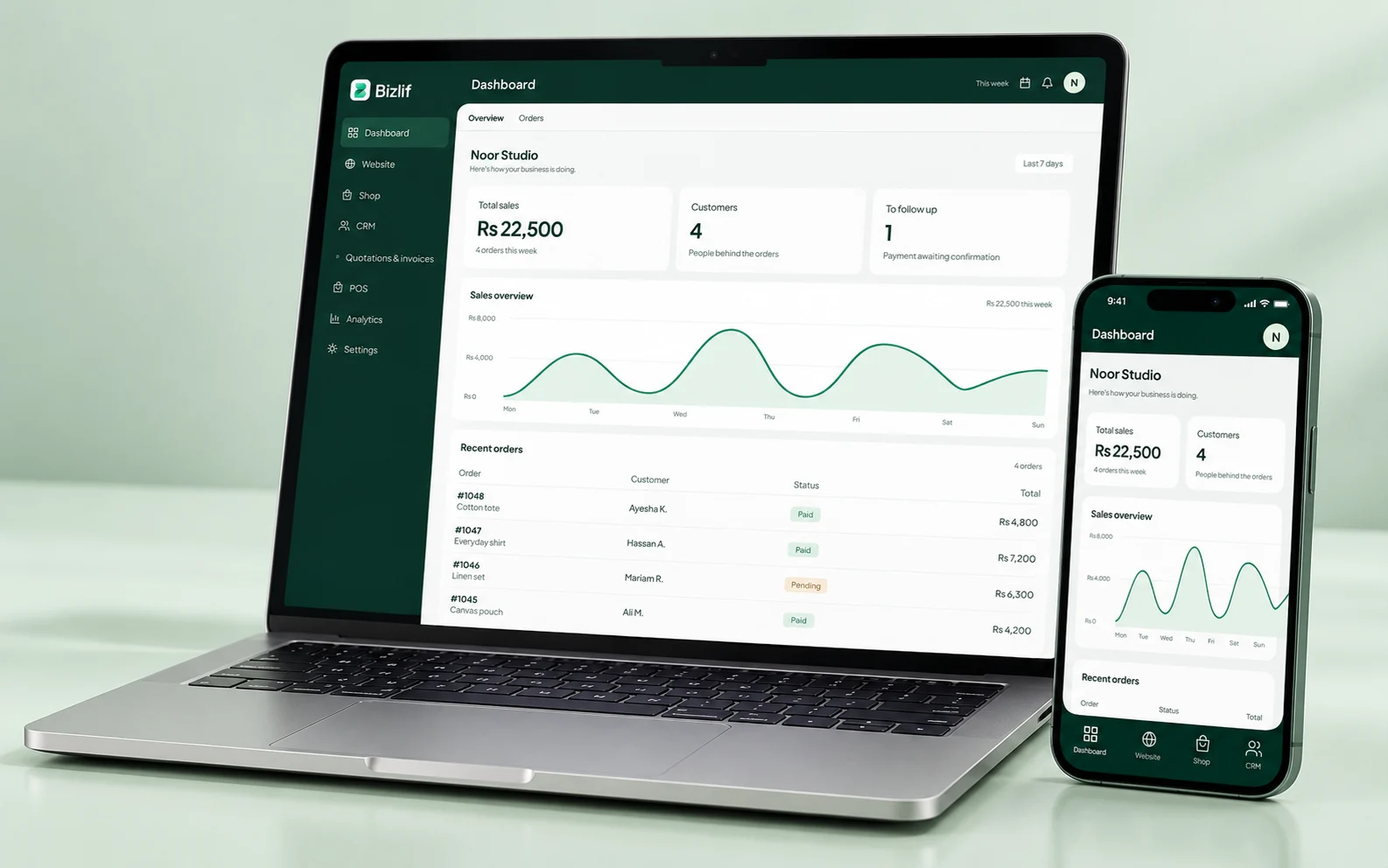
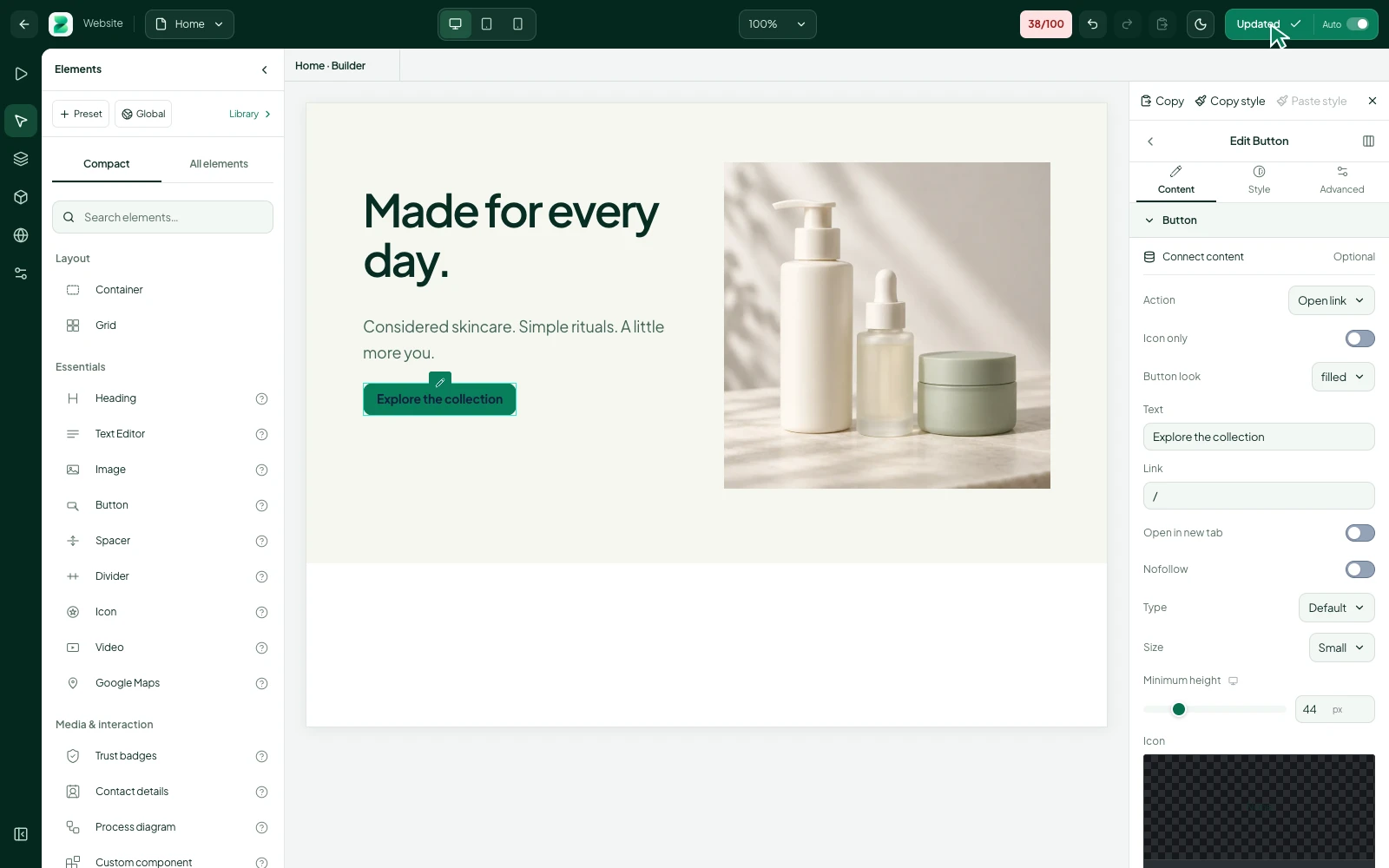
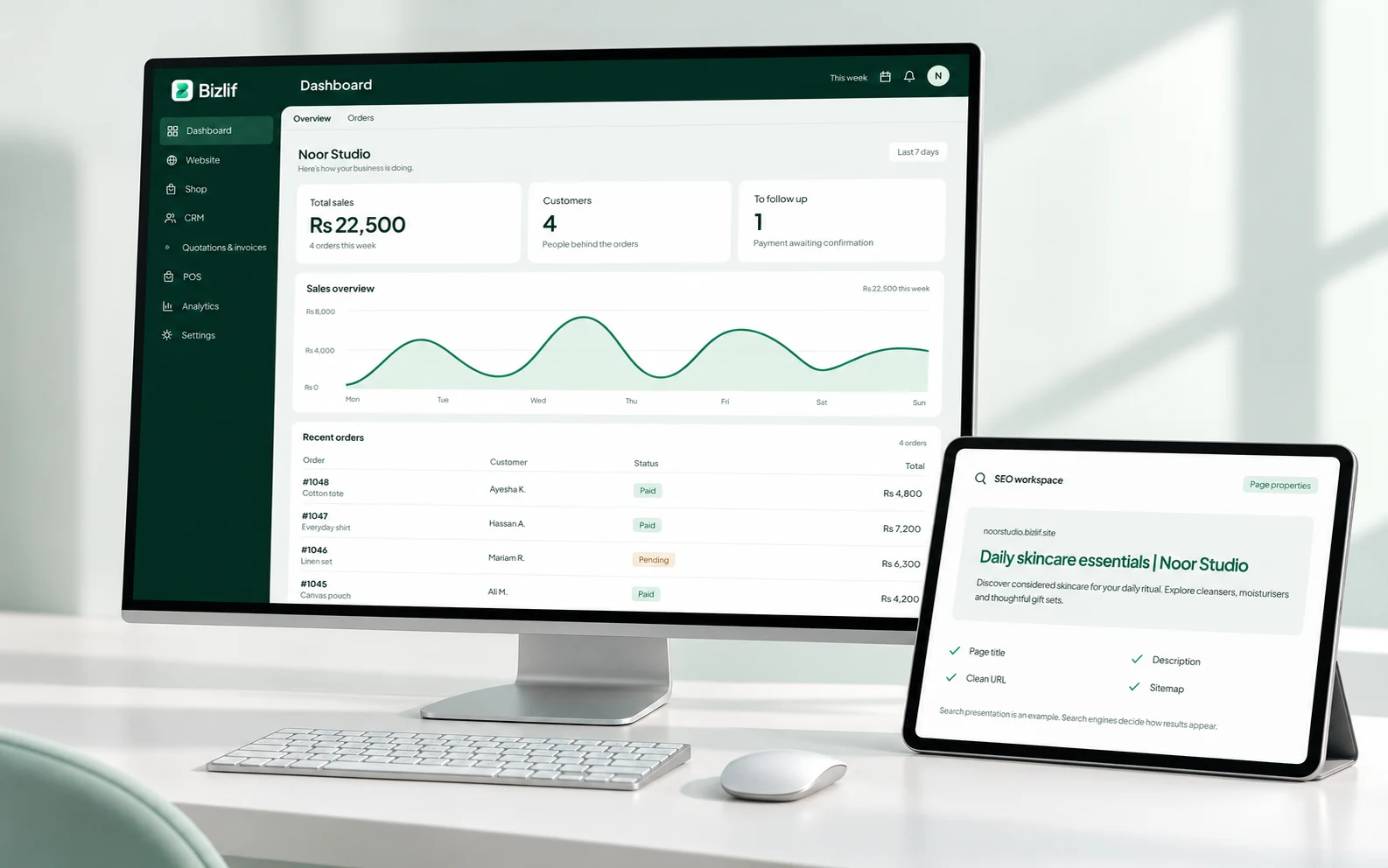
Wix offers website creation, hosted publishing and business tools. Bizlif brings website editing together with a workspace for different businesses, CRM, quotations, invoices and POS.
Compare the particular design controls and apps you need, not broad claims that either platform does everything. Check the providers’ current plan pages and try the workflows before choosing.
Bizlif and Shopify: think about your selling setup
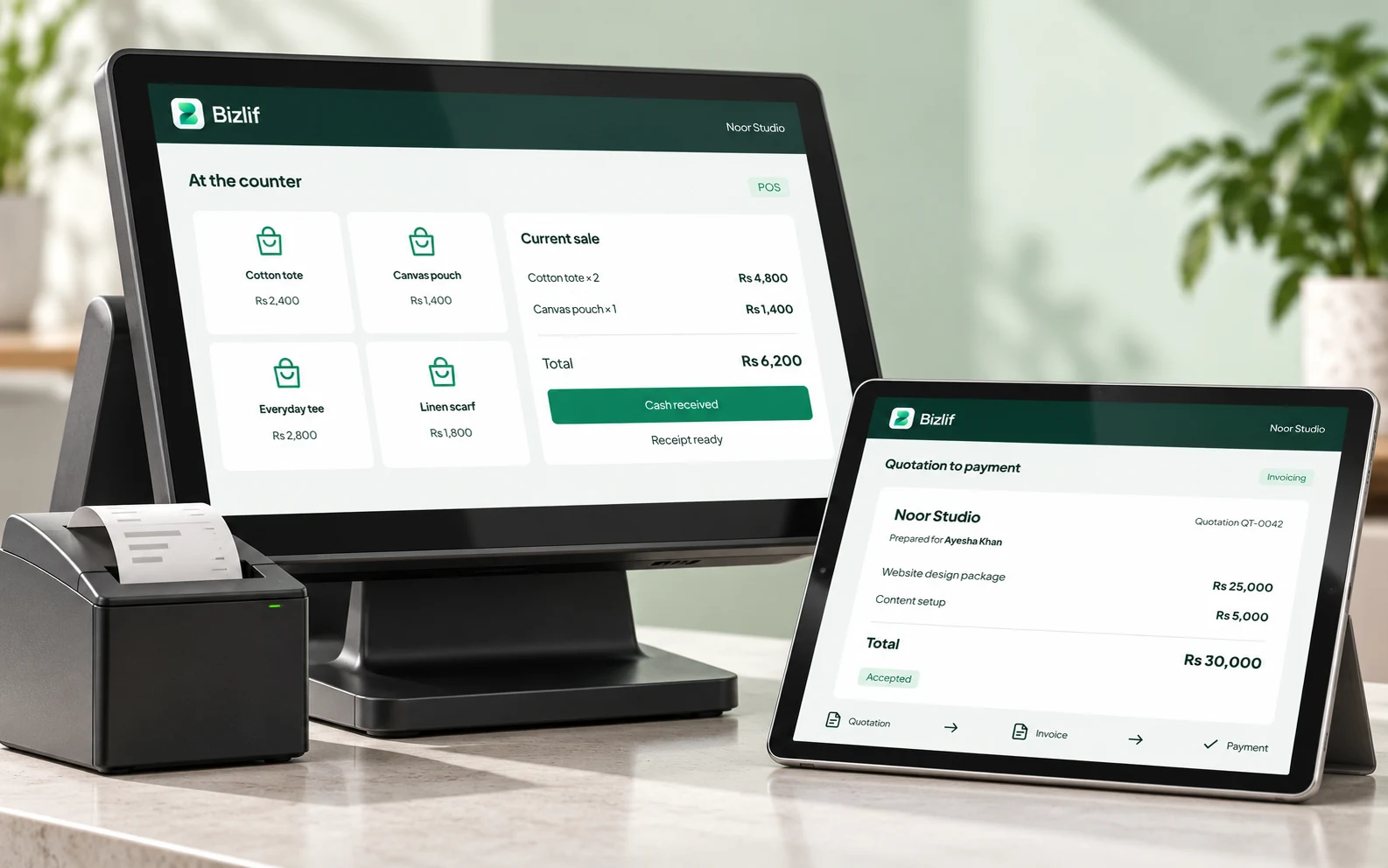
Shopify supports online selling and POS, with plan and location options. Bizlif combines a website and business workspace with supported store, inventory and counter-sale workflows.
Check your country’s payment methods, transaction charges, required hardware and staff access on each platform. Avoid treating a website subscription price as the total cost of running a physical counter.
Bizlif and WordPress: decide who manages what
WordPress.com is a hosted service with its own plans and features; self-hosted WordPress.org is a separate setup where you arrange hosting and manage the installation or hire someone to do it. Bizlif manages the hosting and platform updates for its service.
If your project depends on a particular WordPress plugin or custom code, check that requirement directly. A managed no-code workspace and an extensible self-hosted installation solve different operational needs.
Compare costs over the same period
Compare monthly and annual billing on the same basis. Include any separate domain registration, payment-provider fees, required apps and hardware. Read renewal terms, not only an introductory price.
Bizlif’s live pricing page is the source for current plans. A launch offer has its own stated term and deadline; it does not permanently change the normal price of a plan.
Use first-party sources before deciding
Read the official Wix website-builder information, Shopify pricing and POS details, and WordPress.com plan information. The links below let you verify their current descriptions.
This comparison was reviewed on 23 October 2026. Features and prices can change. We do not claim to have independently benchmarked the platforms or to guarantee a migration, ranking or business result.
Put it into practice
List the tasks your business must handle
Complete this task with the information from your own business. Save unfinished work separately and check the result before moving to the next step.
Identify the exact plan and apps on each platform
Use current first-party details and compare the same period. Include separate services and renewal terms when working out the complete cost.
Compare the same subscription period
Use current first-party details and compare the same period. Include separate services and renewal terms when working out the complete cost.
Check payment, domain and hardware costs
Check the methods and devices your business actually uses. Follow a controlled test and verify the result before relying on the setup for customers.
Try the critical workflows yourself
Complete this task with the information from your own business. Save unfinished work separately and check the result before moving to the next step.
Read the current terms before paying
Use current first-party details and compare the same period. Include separate services and renewal terms when working out the complete cost.
Common questions
Can I start for free?
Bizlif has a free plan with stated limits. Other providers also publish their own entry and paid options. Compare the exact tools and term you need rather than assuming every free plan covers the same workflow.
Read the practical guidesCan I edit my website after publishing?
Bizlif supports ongoing visual editing. If you need a particular plugin, code extension or specialist integration, verify that requirement on each platform before choosing.
Read the practical guidesWhere can I check current plan limits?
Use each provider’s official current pricing and product documentation. Check billing term, renewal, required apps, payment charges and hardware on the same basis.
Compare current plansCheck the original sources
Use these first-party references for current guidance and product details.
Make your next move
Start free with your own website and add the business tools you need. No coding or separate hosting setup needed.
Start free