
Learn Bizlif, step by step
Start with a working website, then learn the business tools you need. These public guides help you choose the next practical task.
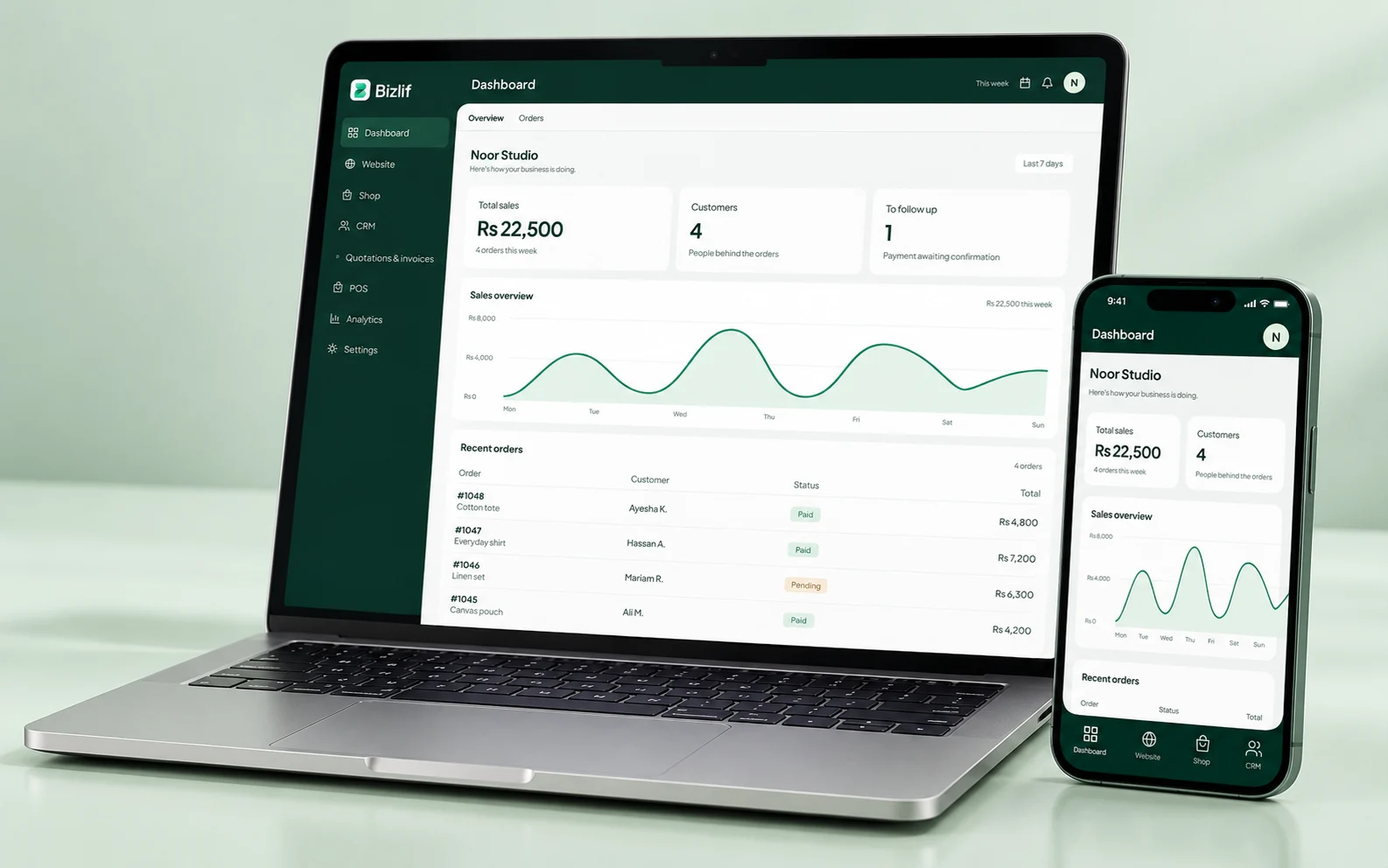
Make a website without code
Prepare your business name, logo, photos and the information customers need. Choose a theme, replace its sample content and build the essential pages before adding more.
Use the desktop and mobile previews to check your work. Start with a useful home page and a working contact route, then publish when the content is accurate.
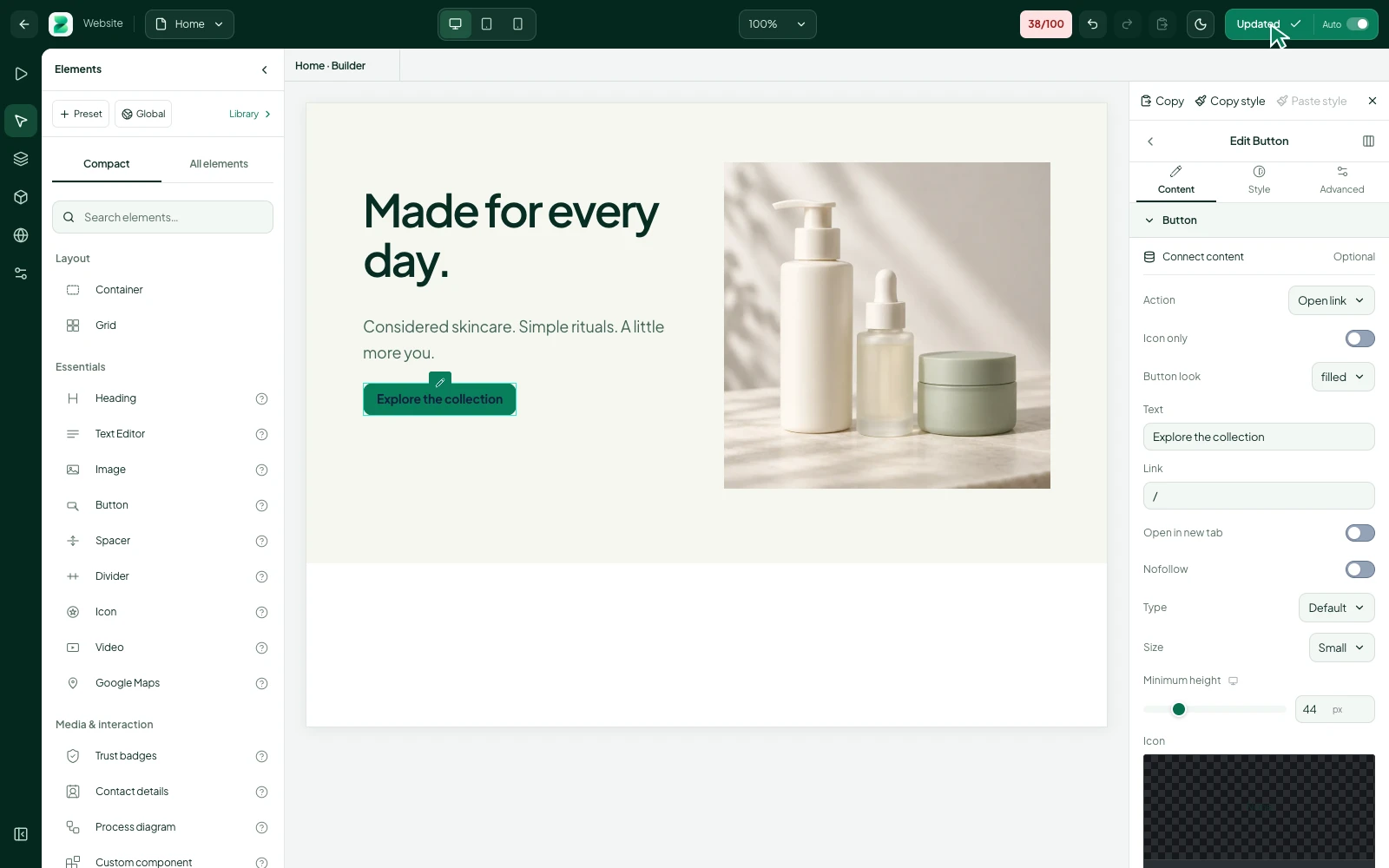
Set up your first online store
Prepare a small catalog with clear product names, prices, photos and options. Organise categories, configure the supported payment and delivery methods, and review the policies shown to shoppers.
Follow a controlled test order through your workflow before sharing the store widely. An order appearing in the dashboard does not by itself confirm that a payment has been received.
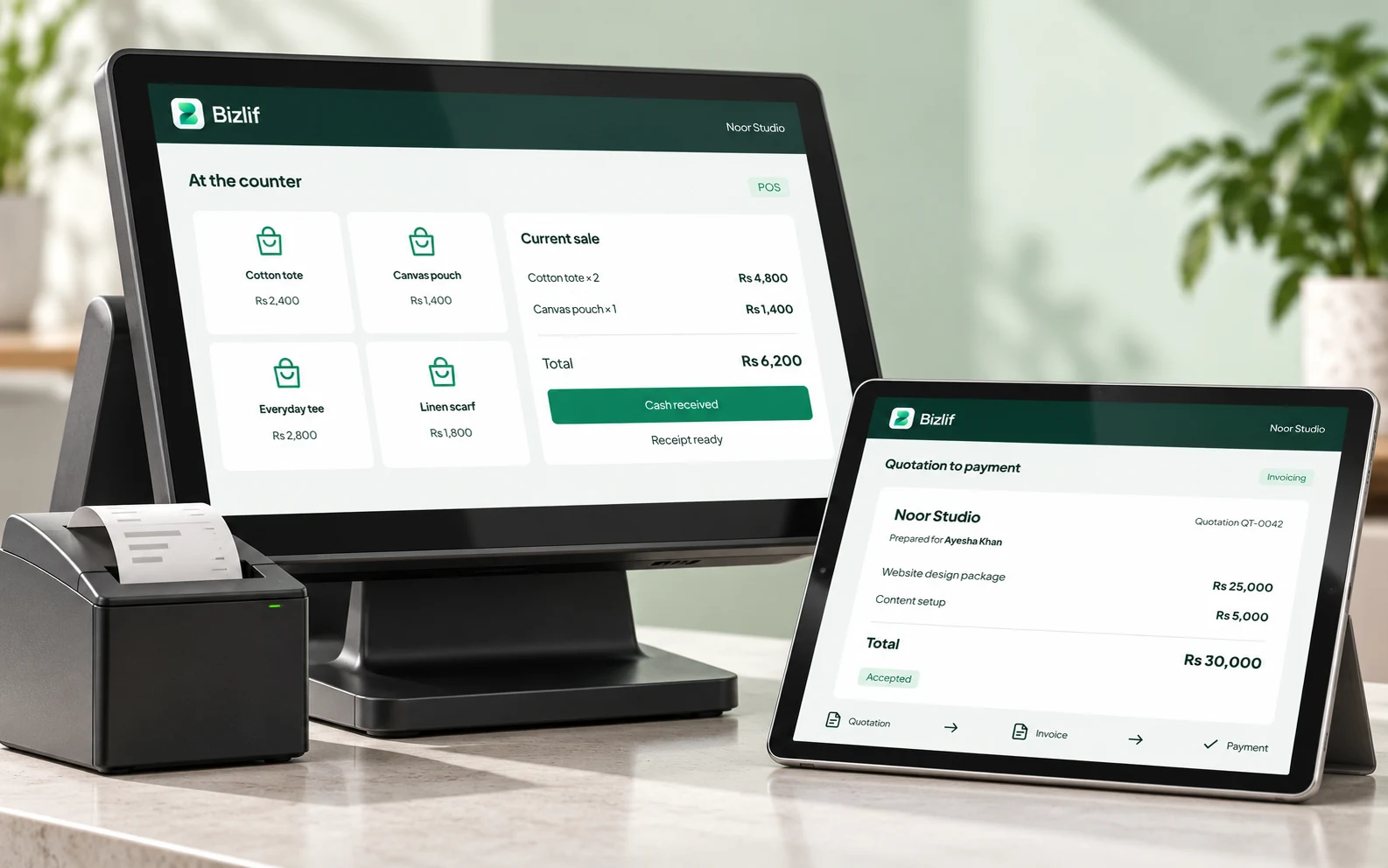
Understand quotations and invoices
Use a quotation to propose the work and its price. Issue an invoice at the appropriate billing point, then record payments against the correct customer and document.
Our guide explains the difference with a simple example and a weekly review routine. Check local tax requirements separately for your own business.
Work on the search basics
Choose a clear purpose for each page, write a descriptive title and answer the questions your customers ask. Review mobile layout, indexing choices, readable URLs and your sitemap.
Use the SEO score as a checklist for supported checks. It is not a prediction of where Google will rank a page. Connect supported measurement tools when you are ready to review results.
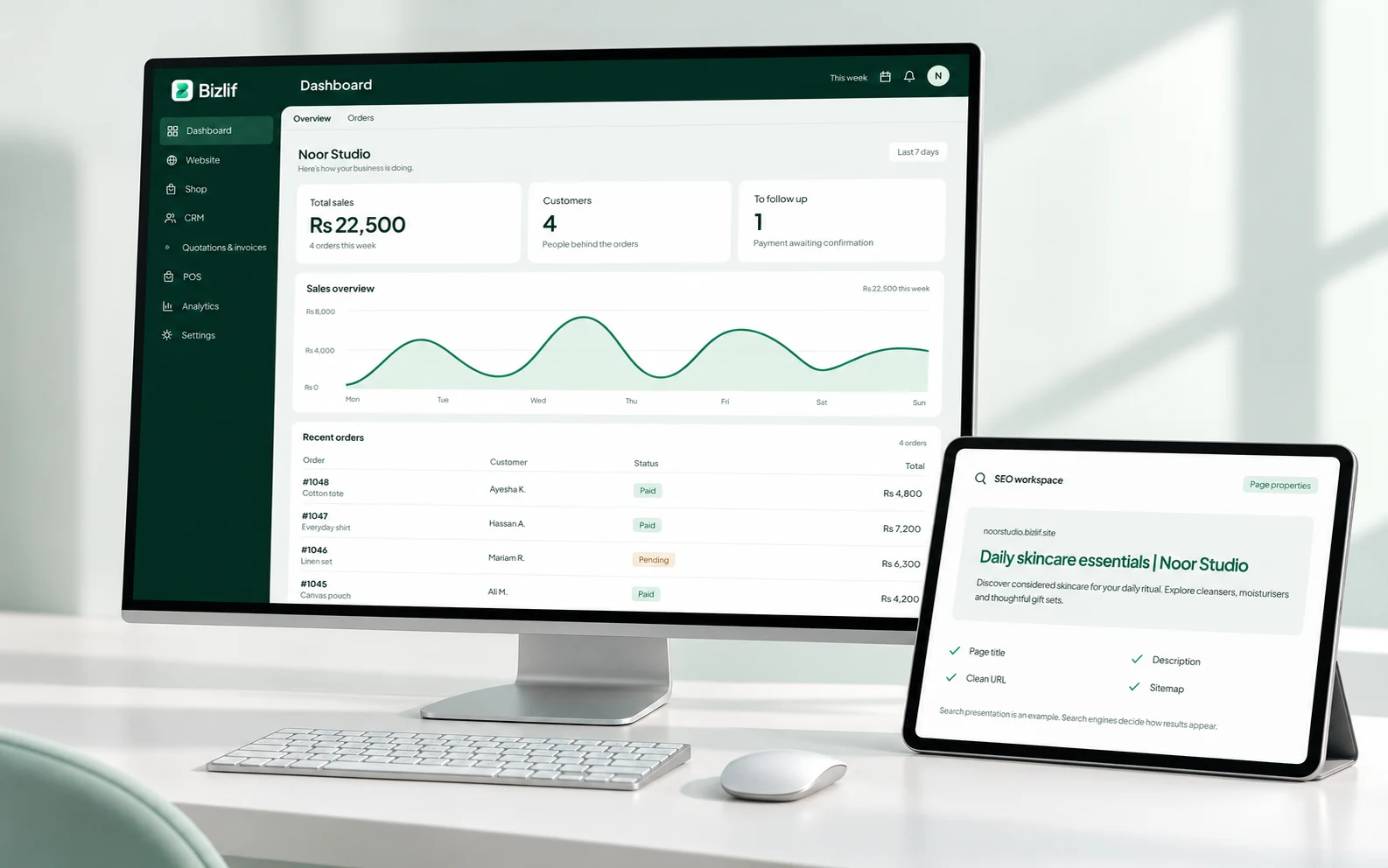
Go deeper inside your account
The Learn area inside the workspace contains the learning material available to your account. Sign in when you want to follow the product while you work.
For a question about your account, billing or private data, use support rather than a public comment. Include the affected page and the steps you tried without sending a password or full card details.
Read the business guides
Start with the website launch checklist, the quotation-versus-invoice guide and introductory SEO. Use the related links to explore the actual tool behind each topic.
You do not need to finish every guide before starting. Pick the task that helps the business today, complete it and return when you need the next workflow.
Put it into practice
Follow the website launch checklist
Record the relevant customer requirement and agree the next action. Keep private information limited to the people who need it.
Build and publish the essential pages
Remove placeholders and verify prices, contact details and policy links. Review the public result rather than relying only on an editor preview.
Prepare your first product or service workflow
Prepare accurate names, quantities, prices and useful descriptions. Organise the records so your team can find the right item without guessing.
Learn the quotation and invoice process
Check the customer, scope, quantities and terms before sharing a document. Keep payment references with the correct record and reconcile money actually received.
Review the SEO and mobile checks
Open the actual page or workflow on a phone. Follow links and actions as a customer would, including the result after submission or checkout.
Return to the account’s learning area
Complete this task with the information from your own business. Save unfinished work separately and check the result before moving to the next step.
Common questions
Can I start for free?
Yes. Public guides are available here, and the free account lets you explore supported workflows within its limits. Choose one useful task instead of trying to configure every feature at once.
Read the practical guidesCan I edit my website after publishing?
Return to the builder to change the design and content. Use the relevant guide while you work, then check the actual published result on a phone.
Read the practical guidesWhere can I check current plan limits?
Use the live pricing page for plan limits and your account’s catalog for app availability. A guide explaining an industry does not mean every specialist tool for that industry has been released.
Compare current plansMake your next move
Start free with your own website and add the business tools you need. No coding or separate hosting setup needed.
Start free