Meet Zev, your AI assistant
Turn a clear business brief into a useful starting draft, then make it your own before publishing.

Tell Zev what you are building
Describe your business, your customers and the page or content you need. Include the facts the assistant should use, such as your real service area and product details.
A specific brief gives a better starting point than asking for generic website copy. Do not include confidential customer or payment information.
Review every important detail
Use the draft to get started, then check prices, names, claims and instructions against your own business. Keep your voice and remove anything that is not accurate.
Zev access depends on the assistant being enabled and the plan available to your workspace. AI-generated output needs human review; it is not a substitute for professional advice.
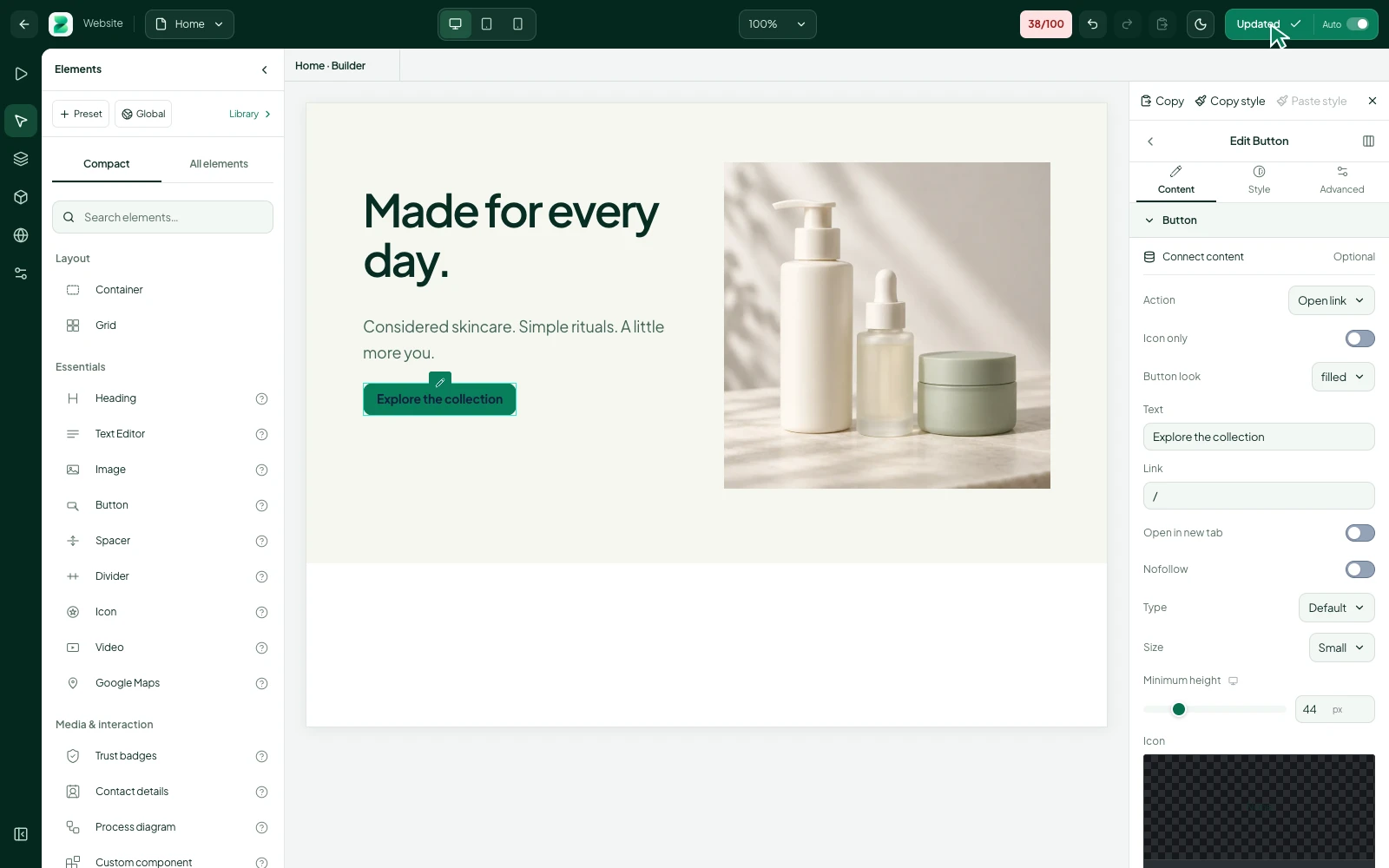
A better brief makes a better starting point
Instead of asking for a generic homepage, describe what you sell, who buys it and what the visitor should do next. Include the real service area and any facts that must appear. Leave out confidential customer information and payment details.
Edit for your own business voice
Remove language you would not use with a customer. Replace vague claims with useful details: what the product includes, how an enquiry works or where you deliver. A fluent sentence can still be wrong, so check the facts before publishing.
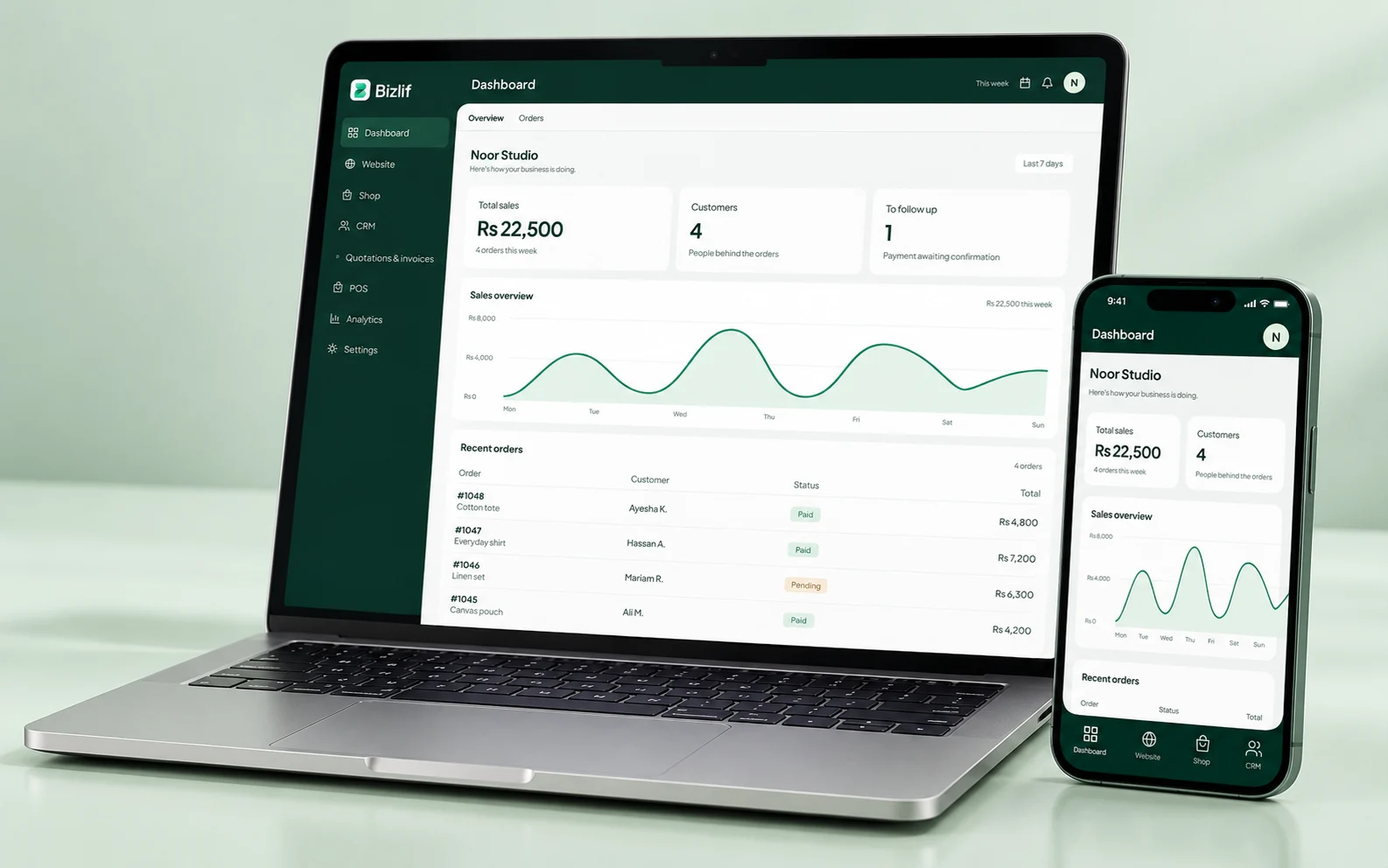
Keep people responsible for decisions
AI can help develop an idea or a first draft, but it does not know every obligation of your business. Review important claims, instructions and prices. Use the assistant for supported tasks and confirm availability in the actual workspace and plan.
Put it into practice
Describe your actual business and audience
Complete this task with the information from your own business. Save unfinished work separately and check the result before moving to the next step.
Explain the page or content task
Complete this task with the information from your own business. Save unfinished work separately and check the result before moving to the next step.
Supply the facts the draft must use
Complete this task with the information from your own business. Save unfinished work separately and check the result before moving to the next step.
Review the assistant’s suggestion
Check the underlying records as well as the headline number. Use a specific question to decide what needs updating or investigating next.
Correct names, prices and unsupported claims
Prepare accurate names, quantities, prices and useful descriptions. Organise the records so your team can find the right item without guessing.
Apply the content only when it is accurate
Complete this task with the information from your own business. Save unfinished work separately and check the result before moving to the next step.
Common questions
Can Zev replace checking the facts?
No. Check every draft against the facts of your business. Review names, prices, service coverage and any legal or technical claims before applying or publishing the text.
Read the practical guidesShould I send private customer details to AI?
Do not include passwords, full payment details or confidential customer information in a prompt. Give the business context and only the information needed for the supported content task.
Read the practical guidesIs Zev available in every workspace?
Availability depends on whether the assistant is enabled and what your plan allows. Check the actual workspace rather than assuming that every AI capability mentioned elsewhere is included.
Compare current plansStart your business website free
No coding needed. No experience needed. Choose a free plan, build your first page and publish when you are ready.
Start free