
Your online store
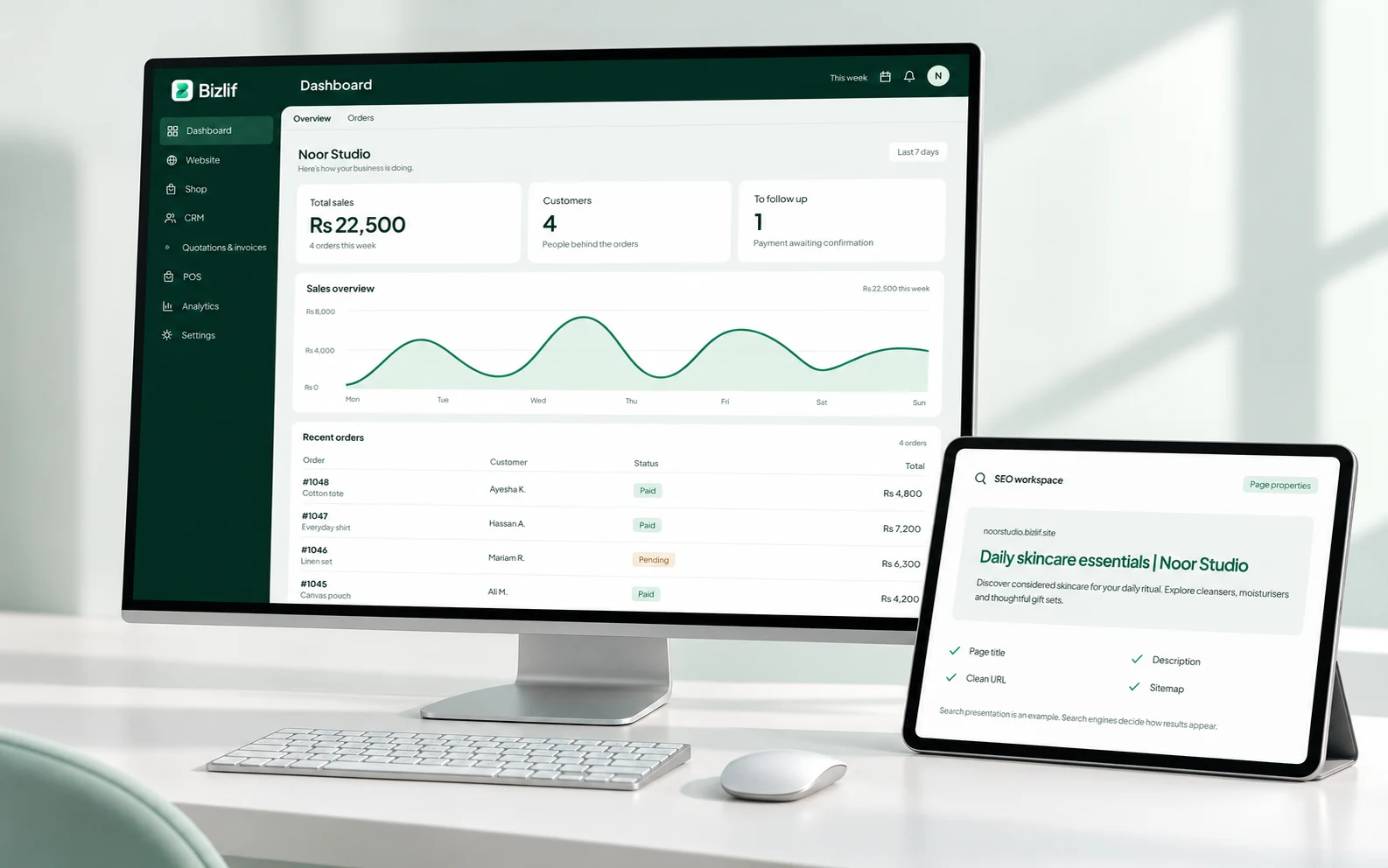
Create an eCommerce website, organise your products and handle orders in the same Bizlif workspace. Start with your catalog, then connect the ways you sell and get paid.
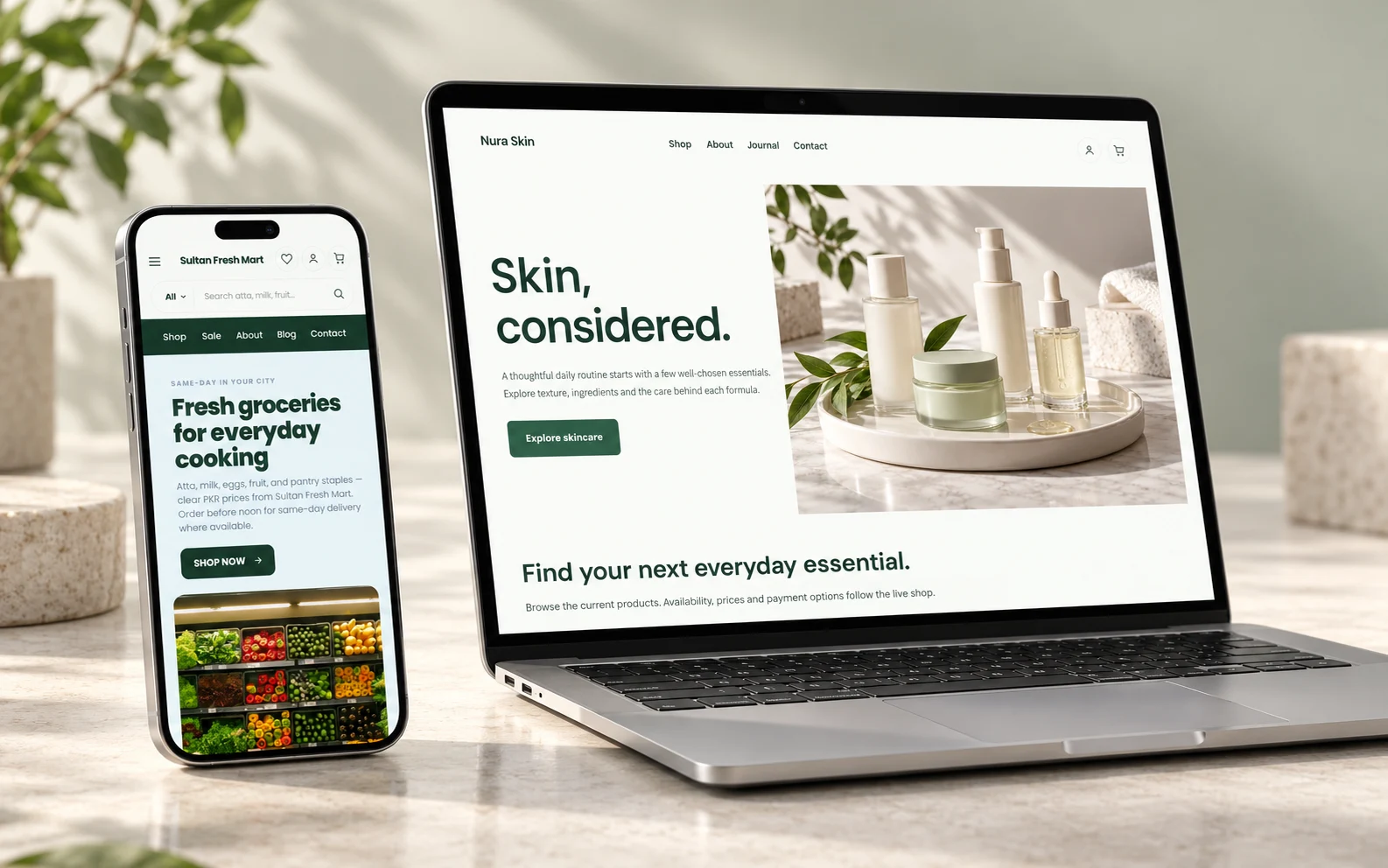
Give every product a useful page
A customer cannot pick up your product through a screen. Show clear photos, a descriptive name and the details that affect their decision: size, material, quantity, compatibility or what comes in the box.
For a clothing shop, that might mean actual measurements and fabric information. For a grocery business, it could mean pack size and delivery coverage. Write those details in the product page instead of asking every visitor to message you for the basics.
Build a catalog people can browse
Group related products into categories and use the available product options to make the choice clear. Keep names and prices consistent between your catalog and the products you promote elsewhere.
A small, organised catalog is a better starting point than hundreds of incomplete listings. Check your plan’s product and storage limits before importing a large collection. Your own images and downloadable files count towards storage.
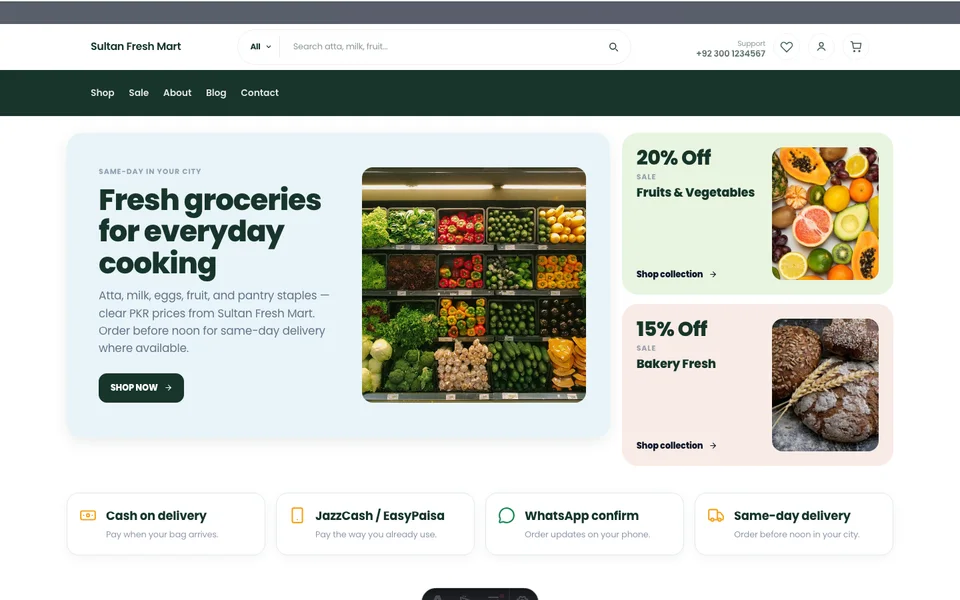
Make checkout instructions clear
Configure the supported payment and delivery methods for your business before accepting orders. Explain where you deliver, what it costs and what happens after the customer places an order.
Keep a test order separate from real customer purchases. Check the order record, customer details and any manual payment instructions from a phone. Payment gateways and connected services have their own availability, onboarding and charges.
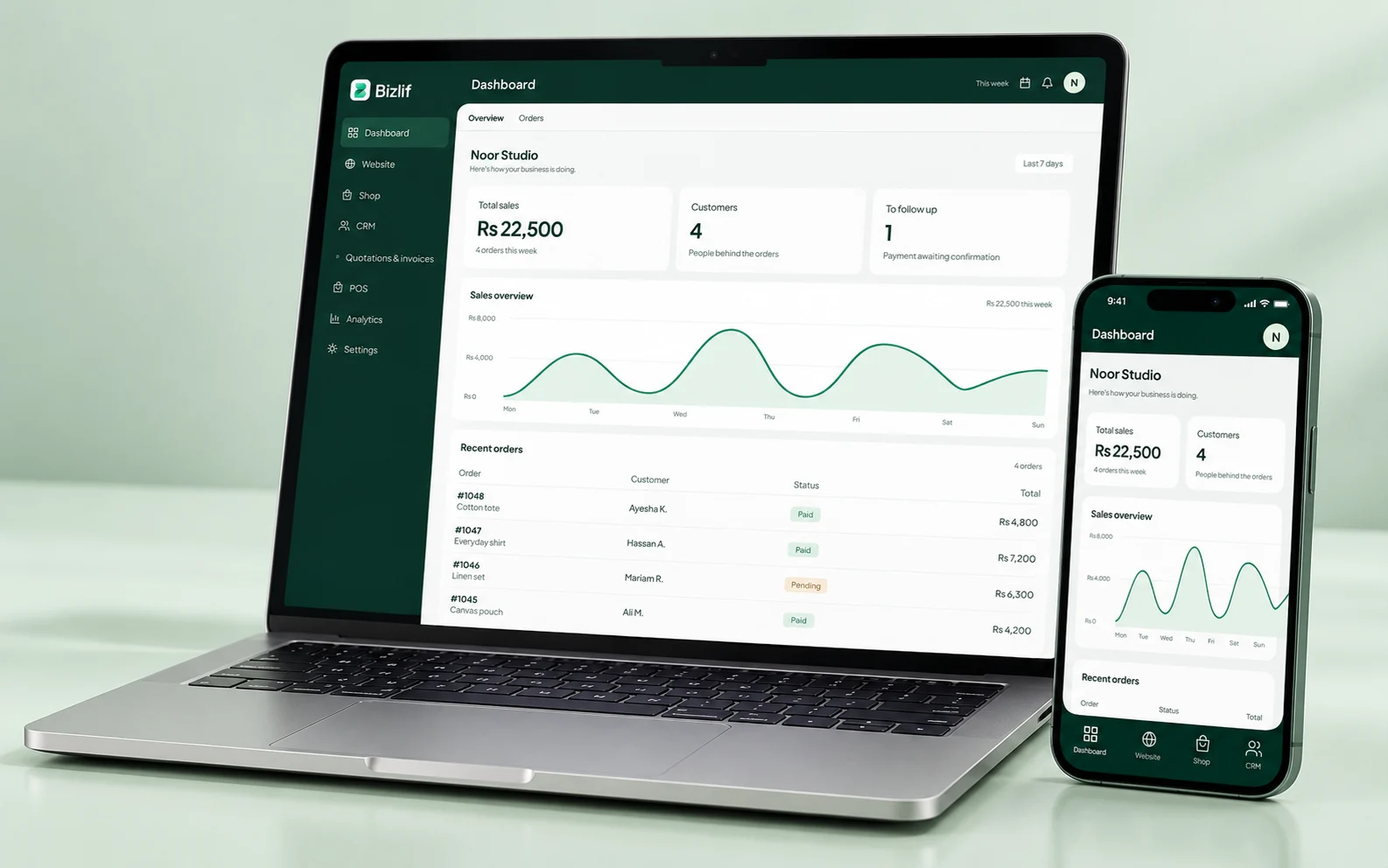
Keep the order with the customer
Review orders in your selected website’s workspace and follow the relevant fulfilment and payment steps. A received order and a confirmed payment are different events; record each accurately.
When a customer asks about an order, use its reference rather than trying to identify it from a name alone. Your published delivery and return policies should match the process your team can actually follow.
Connect online selling and counter work
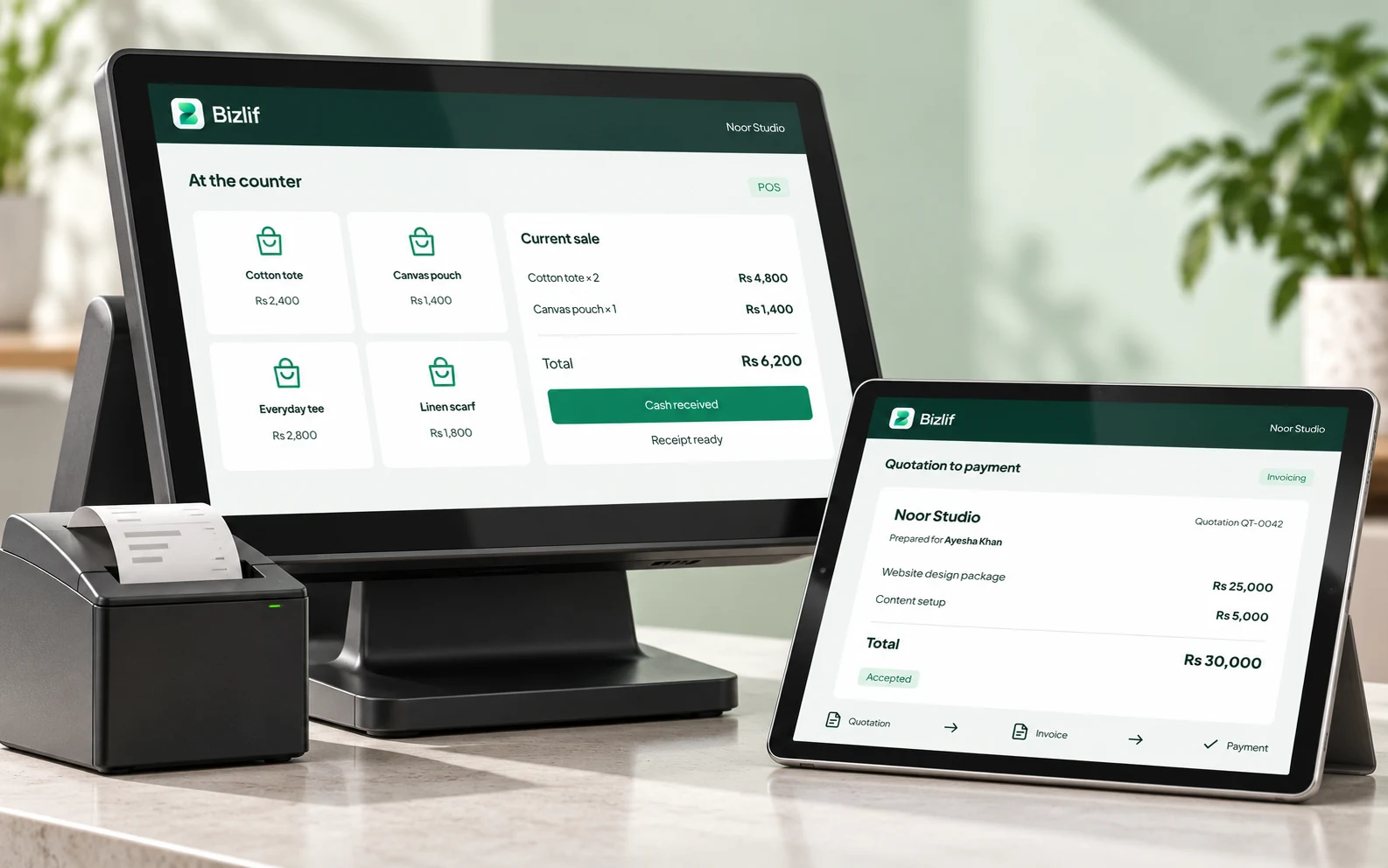
A shop that sells through its website and at a physical counter needs a reliable view of products and stock. Use the POS and inventory workflows where they fit your setup, and give staff the right access.
Review stock movements and returns regularly. An incorrect adjustment can create as much confusion as a missing sale. Check receipt hardware and payment setup before relying on a new device during a busy shift.
Help shoppers find the right product
Write product titles and category descriptions around what you actually sell. Link a size guide, related category or delivery policy where it helps the buying decision. Describe meaningful images with useful alt text.
Use supported SEO and measurement tools to see which pages attract relevant visitors. Product information, stock accuracy and a usable mobile checkout deserve attention before you spend money bringing more visitors to the store.
Put it into practice
Prepare a small product catalog
Prepare accurate names, quantities, prices and useful descriptions. Organise the records so your team can find the right item without guessing.
Choose a store theme and add your branding
Choose a structure for your actual content, then replace the sample branding and media. Check long headings and images at smaller widths.
Create categories and useful product pages
Prepare accurate names, quantities, prices and useful descriptions. Organise the records so your team can find the right item without guessing.
Configure supported payment and delivery methods
Check the methods and devices your business actually uses. Follow a controlled test and verify the result before relying on the setup for customers.
Test a controlled order from a phone
Open the actual page or workflow on a phone. Follow links and actions as a customer would, including the result after submission or checkout.
Publish and review orders regularly
Remove placeholders and verify prices, contact details and policy links. Review the public result rather than relying only on an editor preview.
Common questions
Can I start for free?
Yes. Start with the free plan within its live catalog and storage limits. Prepare your products and test the storefront workflow, then compare paid plans if your catalog, domain or team needs more room.
Read the practical guidesCan I edit my website after publishing?
Yes. Return to your product catalog and builder to update pages, stock information and content. Check published prices and important links after an update. Keep established product URLs useful when a listing changes.
Read the practical guidesWhere can I check current plan limits?
Use the pricing page for current website, product, storage and team limits. Payment-provider fees, domain registration and hardware are separate costs where they apply.
Compare current plansCheck the original sources
Use these first-party references for current guidance and product details.
Make your next move
Start free with your own website and add the business tools you need. No coding or separate hosting setup needed.
Start free