
Turn enquiries into customer relationships
Keep contacts, deal stages, notes and follow-ups in the Bizlif workspace for your business.
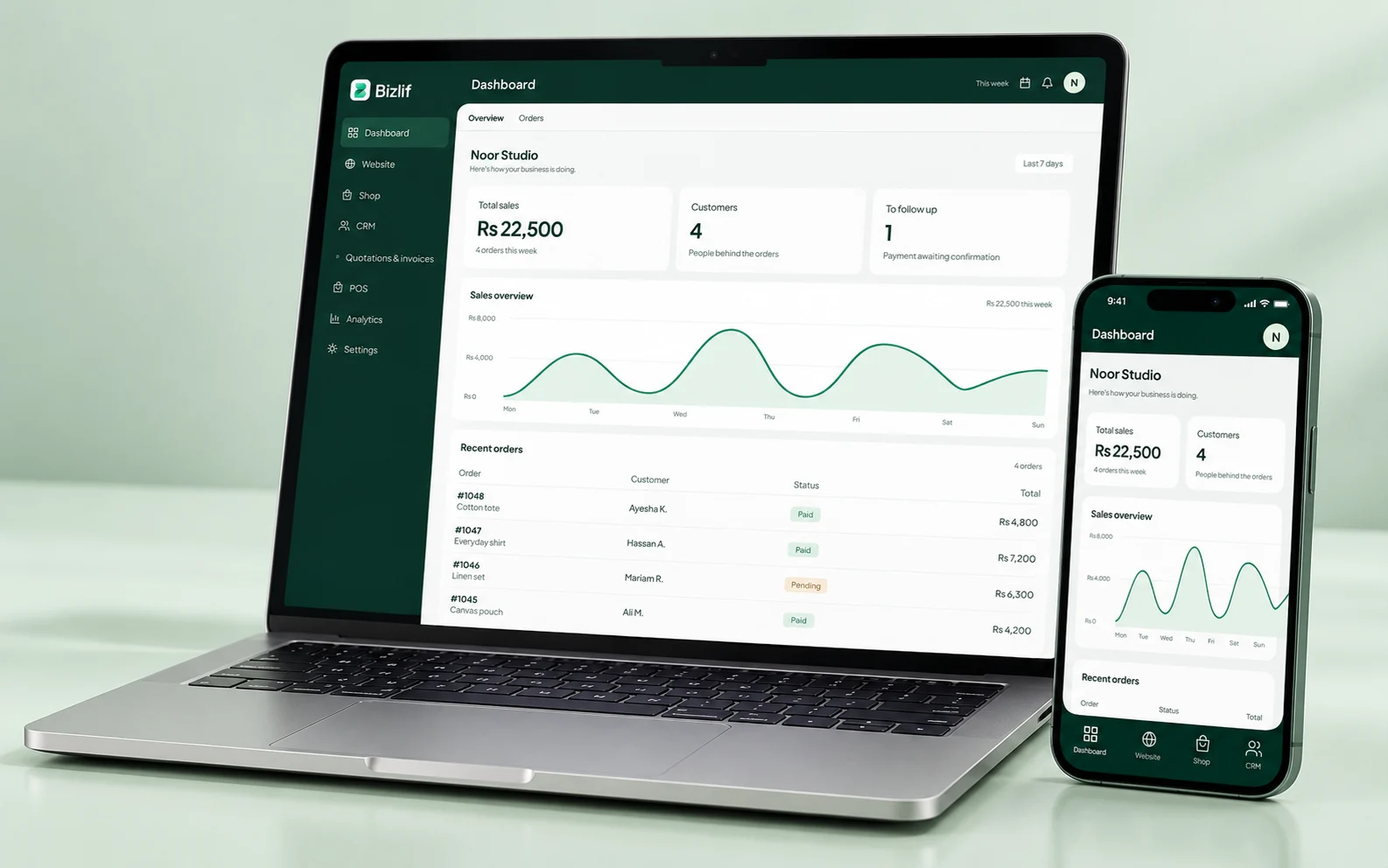
Keep the customer context
Save contact details and useful notes so the next conversation starts with the right information. Record what the customer asked for and what your team agreed to do next.
Use only the customer information your business needs and control team access to private records.
See the next step in your pipeline
Organise deals by their stage, review open work and create follow-up tasks. A clear next action helps a small team keep track of new enquiries alongside work already in progress.
Review the pipeline regularly and close records that no longer reflect real work. A tidy CRM is more useful than a long list of forgotten contacts.
Connect the conversation to the sale
Prepare a quotation when the customer is ready, record its progress and use the invoicing workflow for accepted work. Keep customer details consistent across the documents you issue.
Review the amounts, recipient and terms before sharing a document. Recording a payment in your account is separate from collecting money through an enabled payment method.
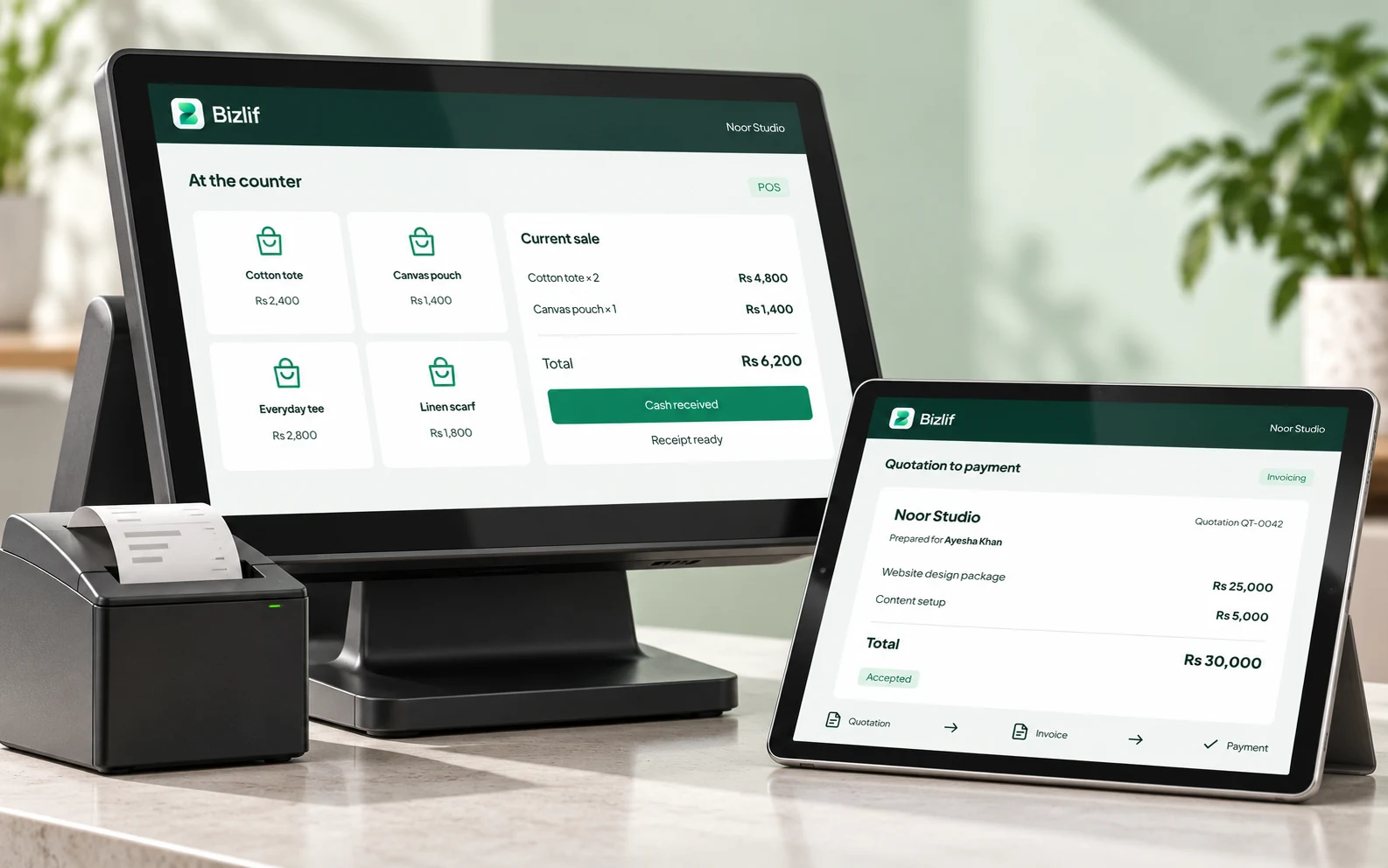
Use a pipeline that reflects real work
A stage should describe what is happening, such as waiting for a brief or reviewing a quotation. Move the record when the situation changes. A long list of contacts is less useful than a shorter list where each open deal has an identifiable next action.
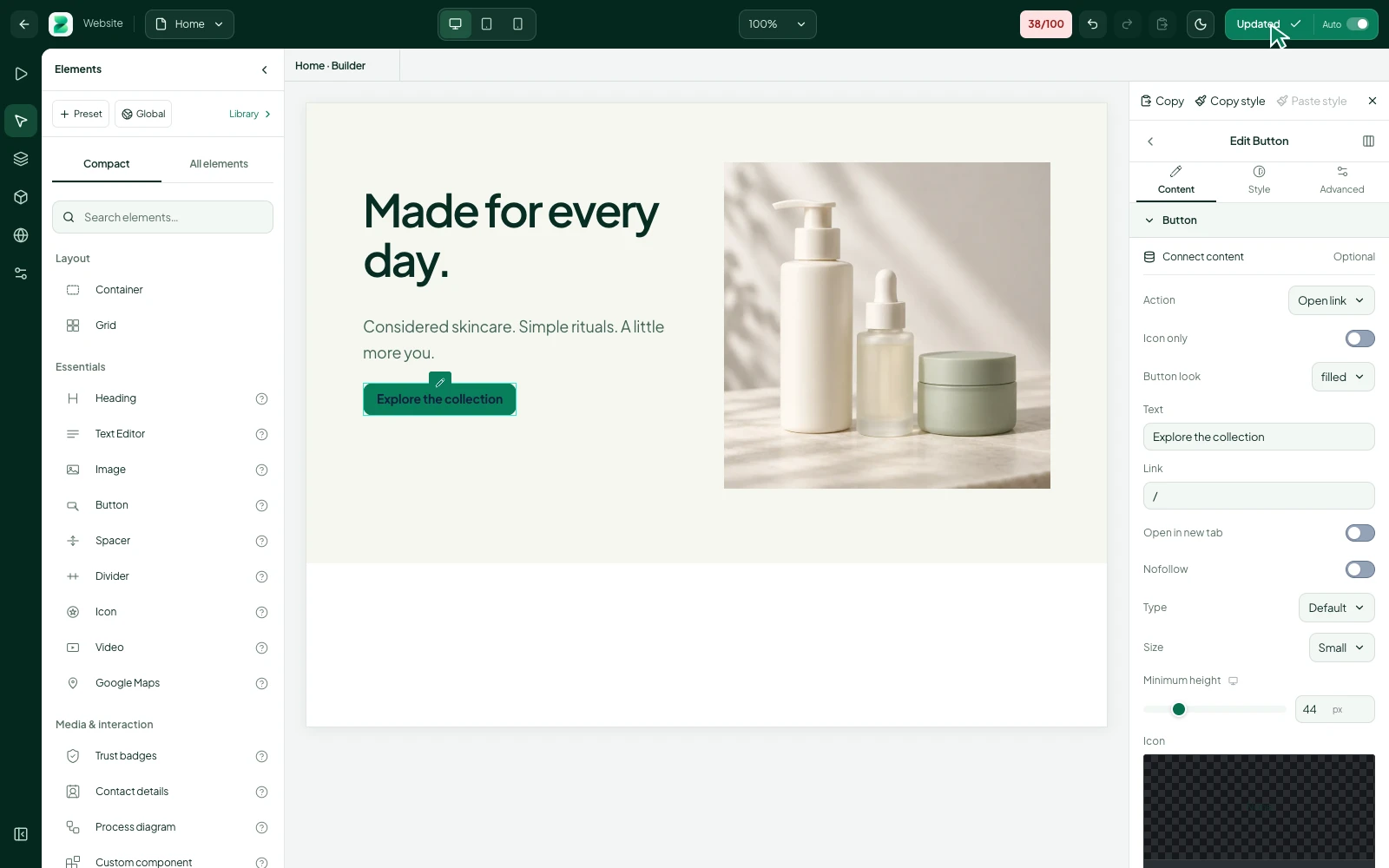
Make handovers easier
Record the relevant requirement, agreed action and reference so another authorised team member can help. Keep notes factual and proportionate. Do not store unrelated sensitive information simply because a free-text field allows it. Review access when someone changes responsibilities.
Build a follow-up routine
Set aside time to check open deals, missed tasks and enquiries that no longer need action. Close or update stale records. Use the customer history to prepare the next conversation rather than sending the same generic reminder to everyone.
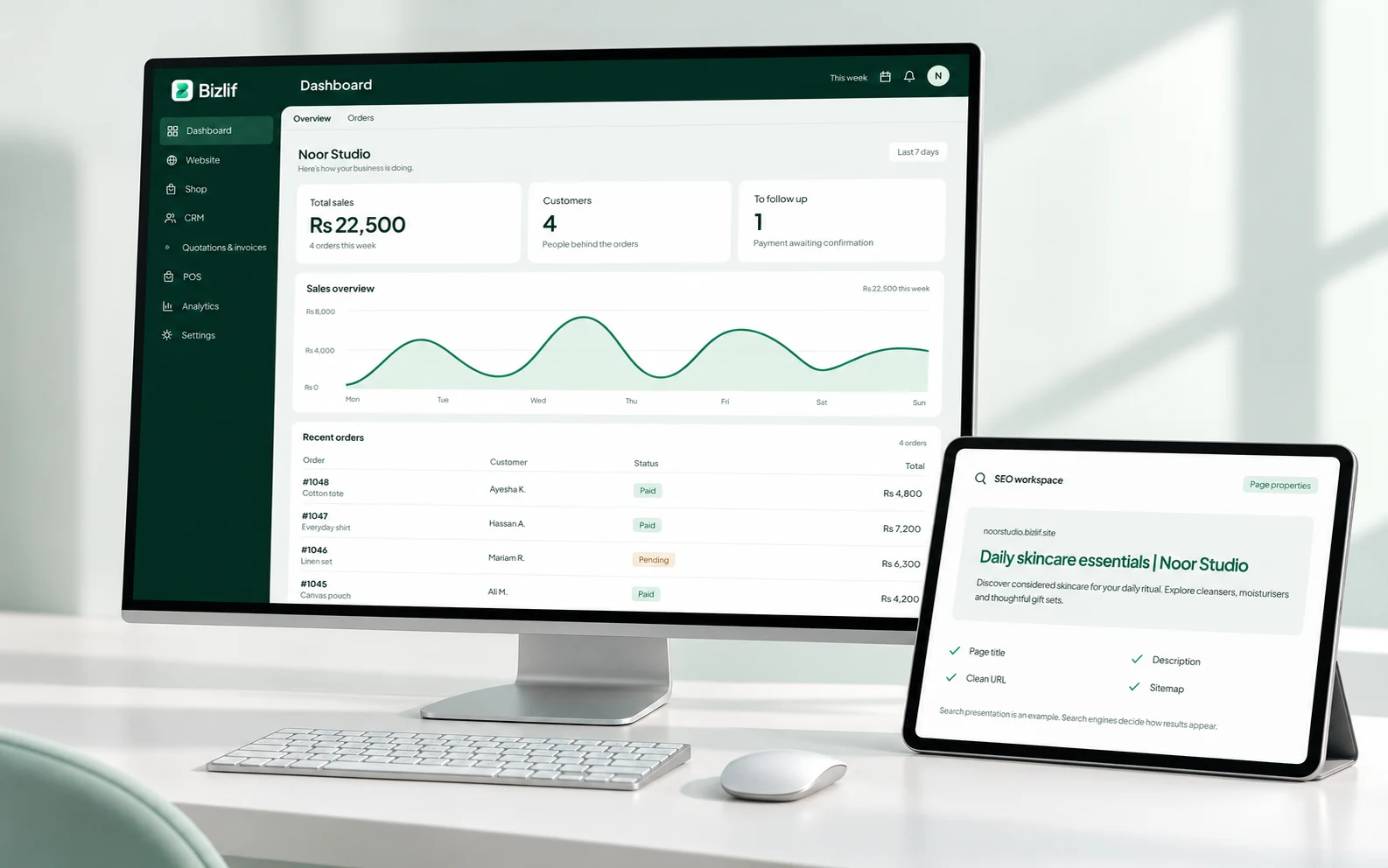
Put it into practice
Create the customer contact
Record the relevant customer requirement and agree the next action. Keep private information limited to the people who need it.
Record the actual requirement
Complete this task with the information from your own business. Save unfinished work separately and check the result before moving to the next step.
Place the deal in the right stage
Record the relevant customer requirement and agree the next action. Keep private information limited to the people who need it.
Assign the next follow-up task
Record the relevant customer requirement and agree the next action. Keep private information limited to the people who need it.
Prepare a quotation when the scope is clear
Check the customer, scope, quantities and terms before sharing a document. Keep payment references with the correct record and reconcile money actually received.
Review open deals and completed work
Record the relevant customer requirement and agree the next action. Keep private information limited to the people who need it.
Common questions
What should I put in a CRM note?
Record the requirement, the relevant context and the next agreed action. For example, note that a customer is waiting for a revised quotation and who will prepare it. Avoid unnecessary sensitive data or unsupported opinions about the customer.
Read the practical guidesCan I follow enquiries before sending a quotation?
Yes. Use the CRM to organise contacts, deals and follow-up tasks before the scope is ready for a quotation. Update the stage when the situation changes so the pipeline describes actual work.
Read the practical guidesDoes every team member need full access?
No. Use the available roles and permissions according to each person’s responsibilities. Someone helping with follow-ups may not need permission to change account billing or configure external integrations.
Compare current plansStart your business website free
No coding needed. No experience needed. Choose a free plan, build your first page and publish when you are ready.
Start free