
From enquiry to paid work
Build a service website and keep the customer conversation, quotation and invoice together as the work moves forward.
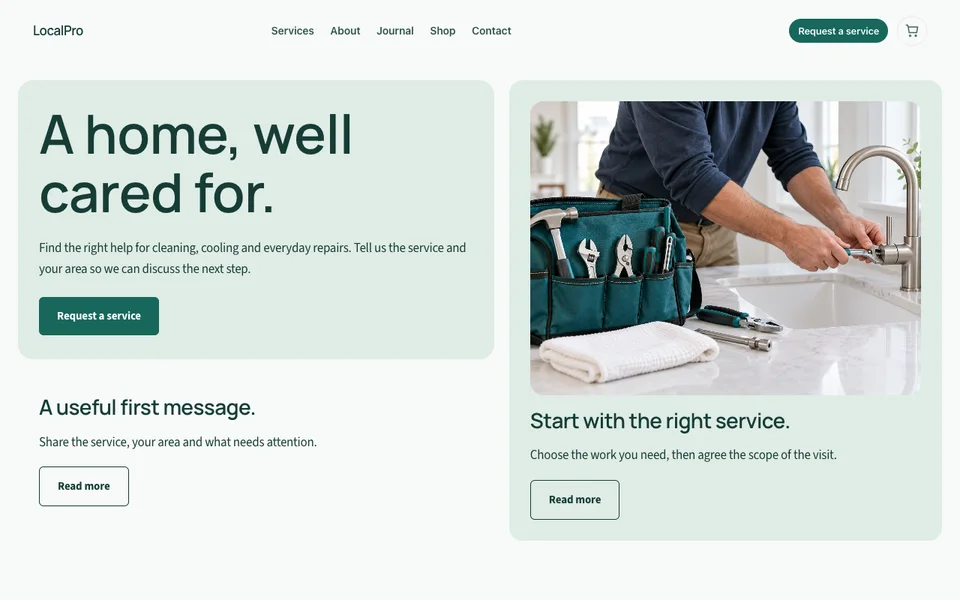
Explain the service before asking for a call
Describe the work, the area you serve and the kind of customer it suits. Use genuine project photos with permission and explain what someone should prepare before requesting a quotation.
A design studio might ask for a brief and deadline. An installation business might need measurements or a visit. Tell people which details will make the first conversation useful.
Turn an enquiry into a clear next action
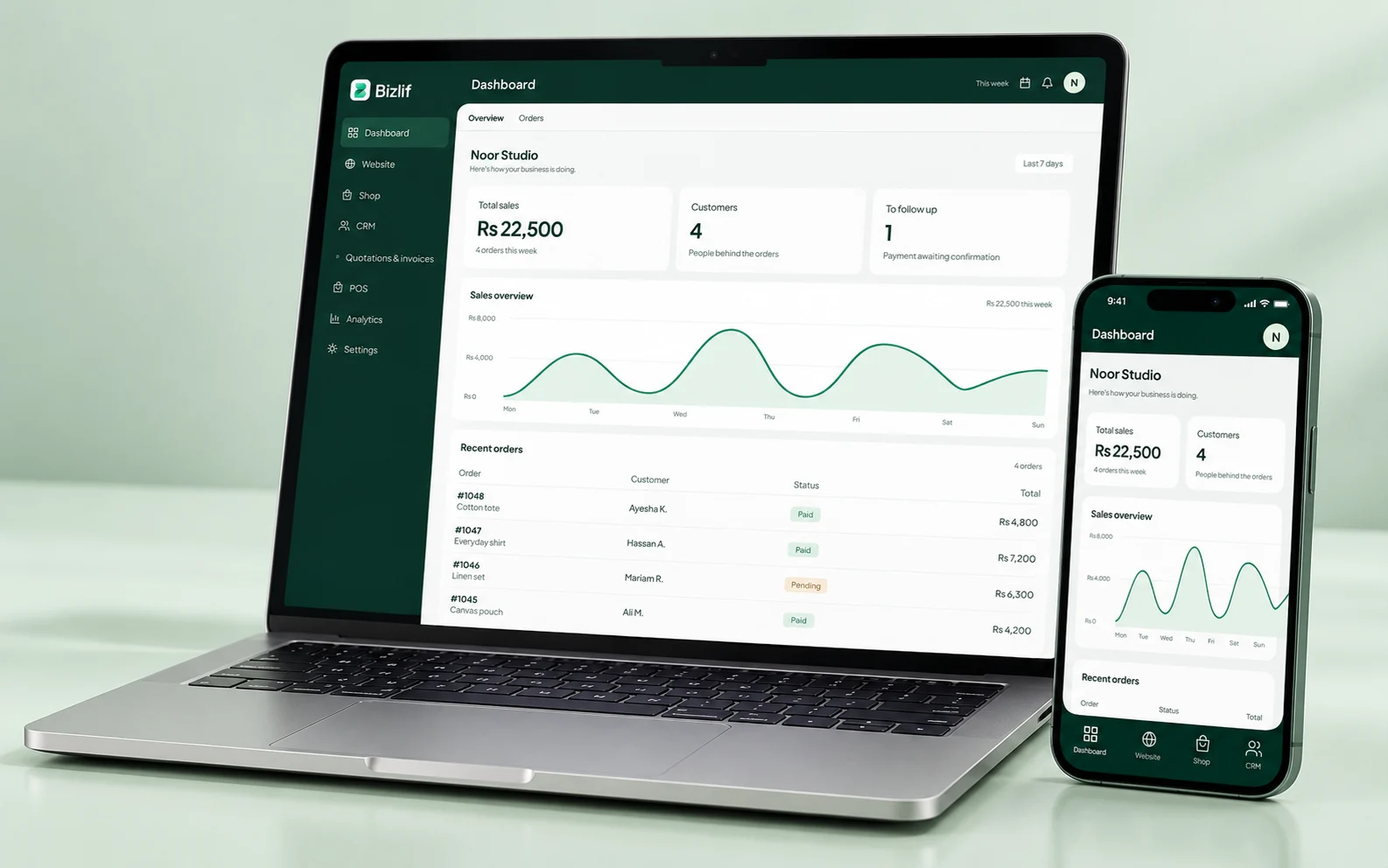
Keep the contact, the requirement and the agreed next step in your CRM. Assign follow-up work using supported tasks and pipeline tools.
For a business with several staff members, record enough context for another authorised person to help. Avoid putting private client information into public community discussions or website examples.
Put the scope into the quotation
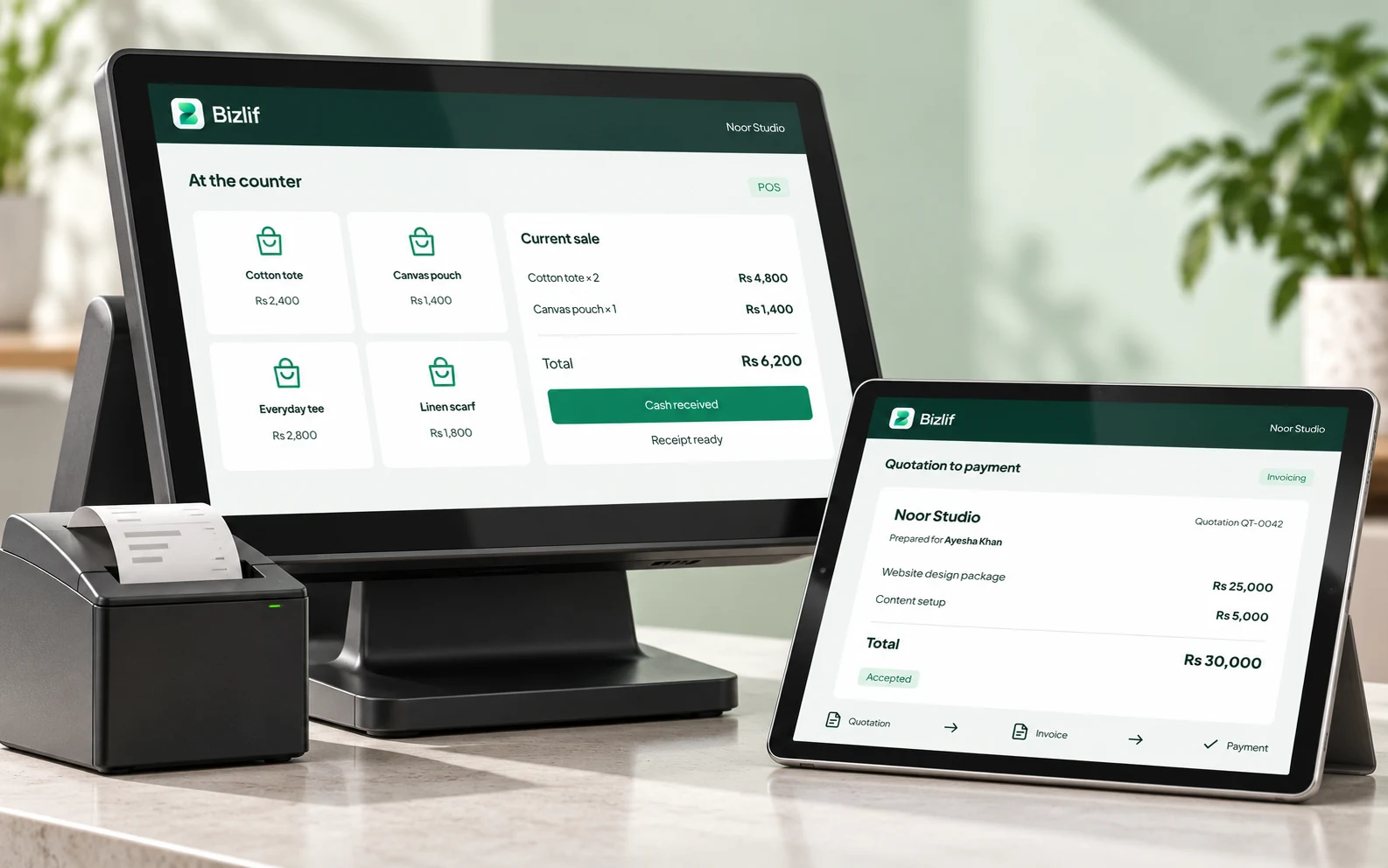
Specify what you will deliver, the quantity or scope, the price and the relevant terms. Make exclusions explicit so the customer can make an informed decision.
If the brief changes, review the proposal before billing. An accepted quotation and a later change should not be confused with the original request.
Make payment follow-up straightforward
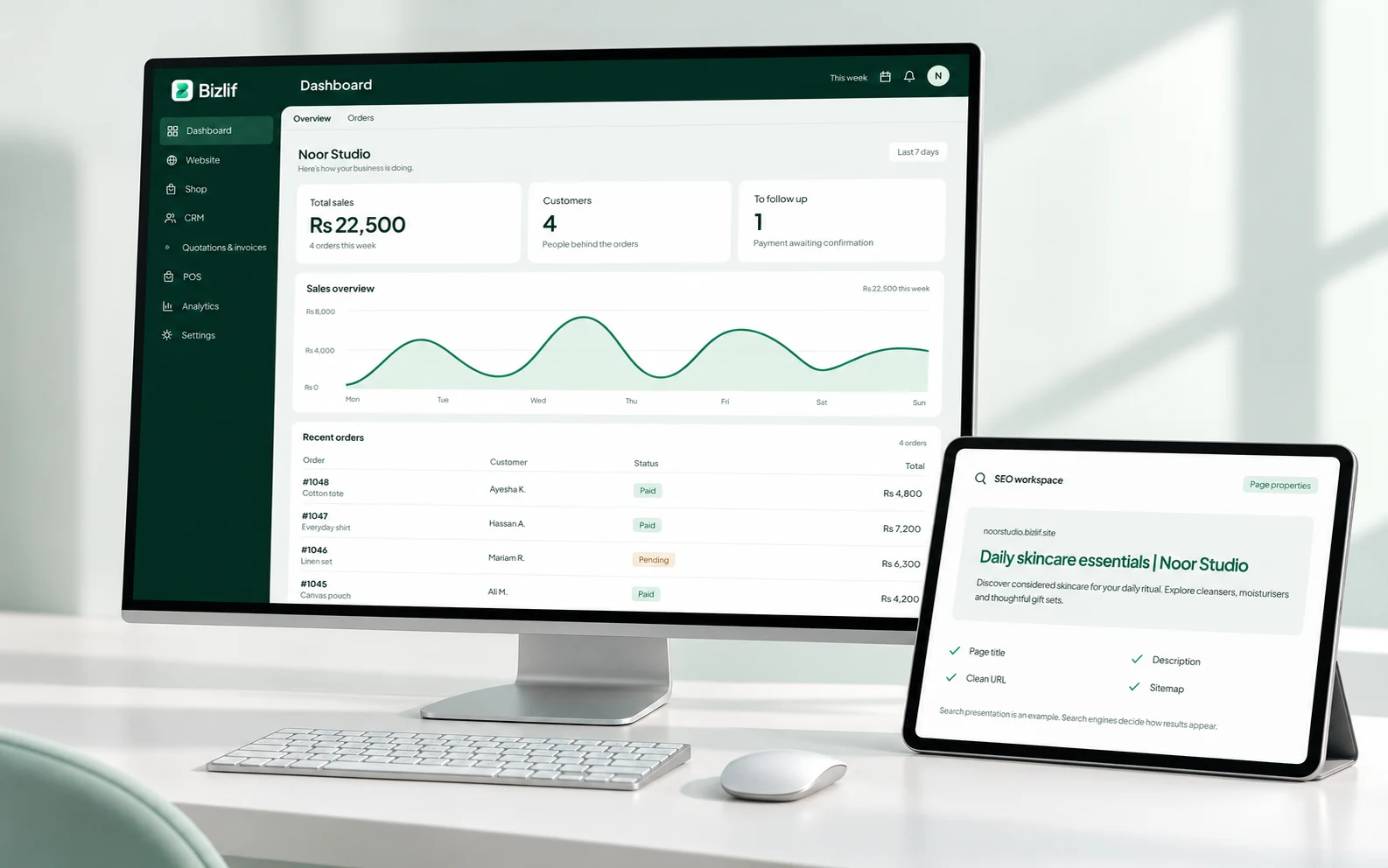
Invoice at the agreed stage, record payments accurately and review remaining balances. Use references that let both your team and the customer identify the document.
Supported recurring invoices and task automations can help with repeat work. Check the recipient, schedule and amounts before enabling an automation.
Collect appointment enquiries today
You can publish service information and collect enquiries through your website and CRM. Full merchant appointment scheduling is a planned addition, so do not promise automatic calendar bookings as a live Bizlif feature.
Until that workflow is available, explain how appointments are confirmed and give customers a reliable contact route. A clear manual process is better than a booking button that does not work.
Build pages around the work you actually do
Give distinct services enough detail to stand on their own. Link to relevant projects, FAQs and contact instructions rather than repeating the same paragraph under a different service name.
Include locations only when you genuinely serve them. Useful service information is a stronger foundation for search than publishing dozens of nearly identical city pages.
Put it into practice
Describe the service and genuine service area
Complete this task with the information from your own business. Save unfinished work separately and check the result before moving to the next step.
Build a page for each distinct service
Complete this task with the information from your own business. Save unfinished work separately and check the result before moving to the next step.
Create a clear enquiry route
Complete this task with the information from your own business. Save unfinished work separately and check the result before moving to the next step.
Record the lead and next task in CRM
Record the relevant customer requirement and agree the next action. Keep private information limited to the people who need it.
Prepare and follow up on a quotation
Check the customer, scope, quantities and terms before sharing a document. Keep payment references with the correct record and reconcile money actually received.
Invoice and reconcile accepted work
Check the customer, scope, quantities and terms before sharing a document. Keep payment references with the correct record and reconcile money actually received.
Common questions
Can I start for free?
Yes. Start with service information, an accurate service area and a working enquiry route. Add available CRM, quotation and invoice workflows when you are ready to manage the work behind the website.
Read the practical guidesCan I edit my website after publishing?
Yes. Update service pages and projects as the business changes. Keep old shared links useful and remove claims or availability that no longer apply.
Read the practical guidesWhere can I check current plan limits?
The pricing page and the app catalog show current limits and available tools. Full merchant appointment booking is planned; do not assume it is already part of a live plan.
Compare current plansMake your next move
Start free with your own website and add the business tools you need. No coding or separate hosting setup needed.
Start free