
Sell online. Serve at the counter.
A practical setup for retailers who want an online store, organised stock and counter sales in one account.
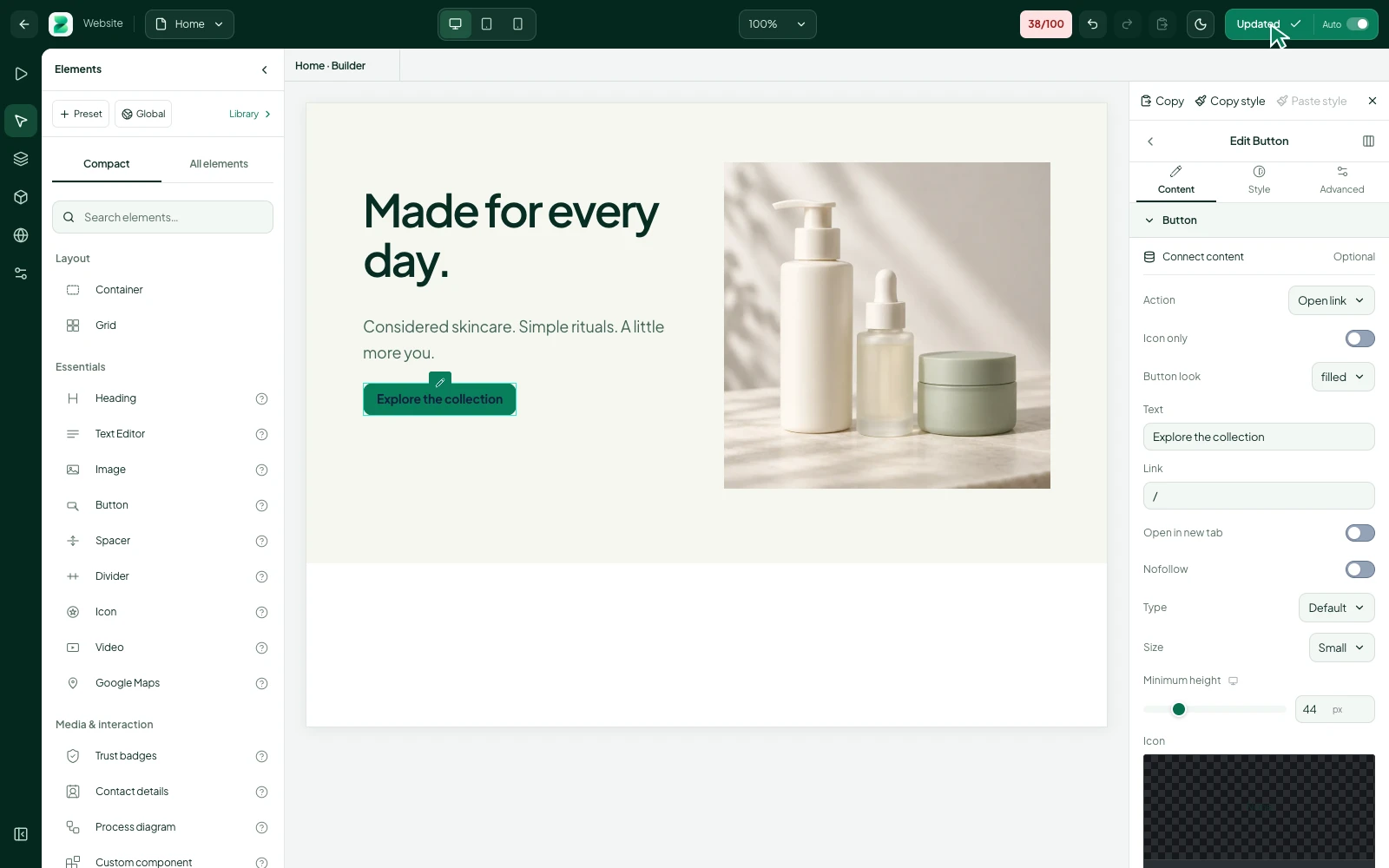
Put your real shop on the website
Start with your most useful product categories, your store details and the delivery or collection arrangements you actually offer. Use your own product photos and make contact information easy to find.
A visitor should be able to understand what is available without opening a chat. Keep prices and availability current so a product shared from social media leads to a useful destination.
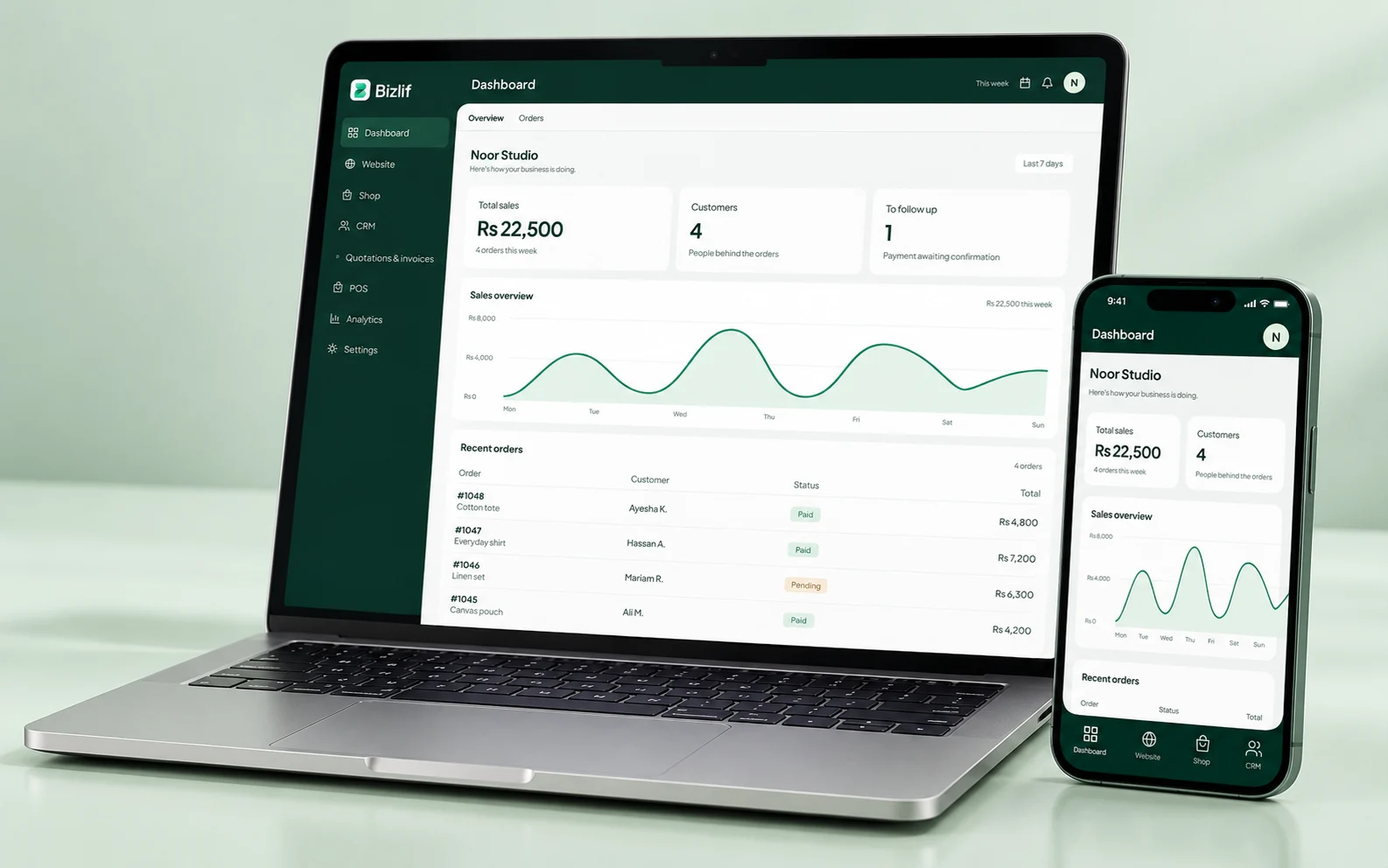
Make stock records part of the routine
Use inventory tools to review product movements and record adjustments with care. Check incoming stock, damaged items and returns using the workflows appropriate to your business.
Agree who is responsible for stock changes. If several staff members make unrecorded corrections, the number on screen will stop being a useful picture of what is on the shelf.
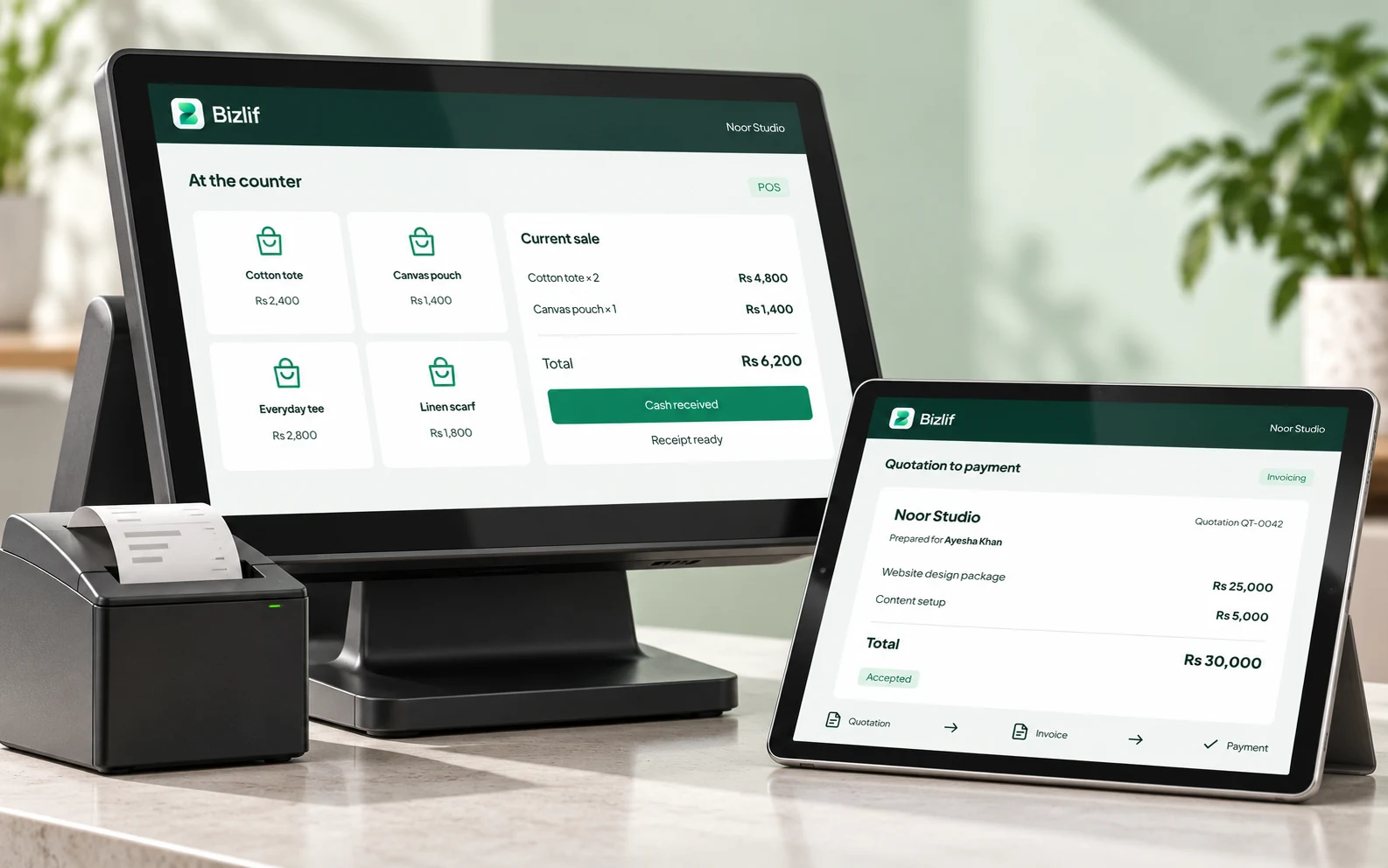
Prepare your counter for a real sale
Set up products, customer details and supported payment methods before the first transaction. Review basket quantities and totals before finalising the sale.
Use the available return and split-payment workflows when needed. Confirm hardware compatibility separately; a website subscription does not make every receipt printer or card terminal compatible.
Give the online customer a clear promise
Explain your service area, dispatch process, delivery charges and returns policy. Those details should be visible before the customer pays, not introduced after an order is placed.
Place a controlled test order from a phone and follow it through the workspace. Check how the team identifies the customer, verifies payment and records the next fulfilment step.
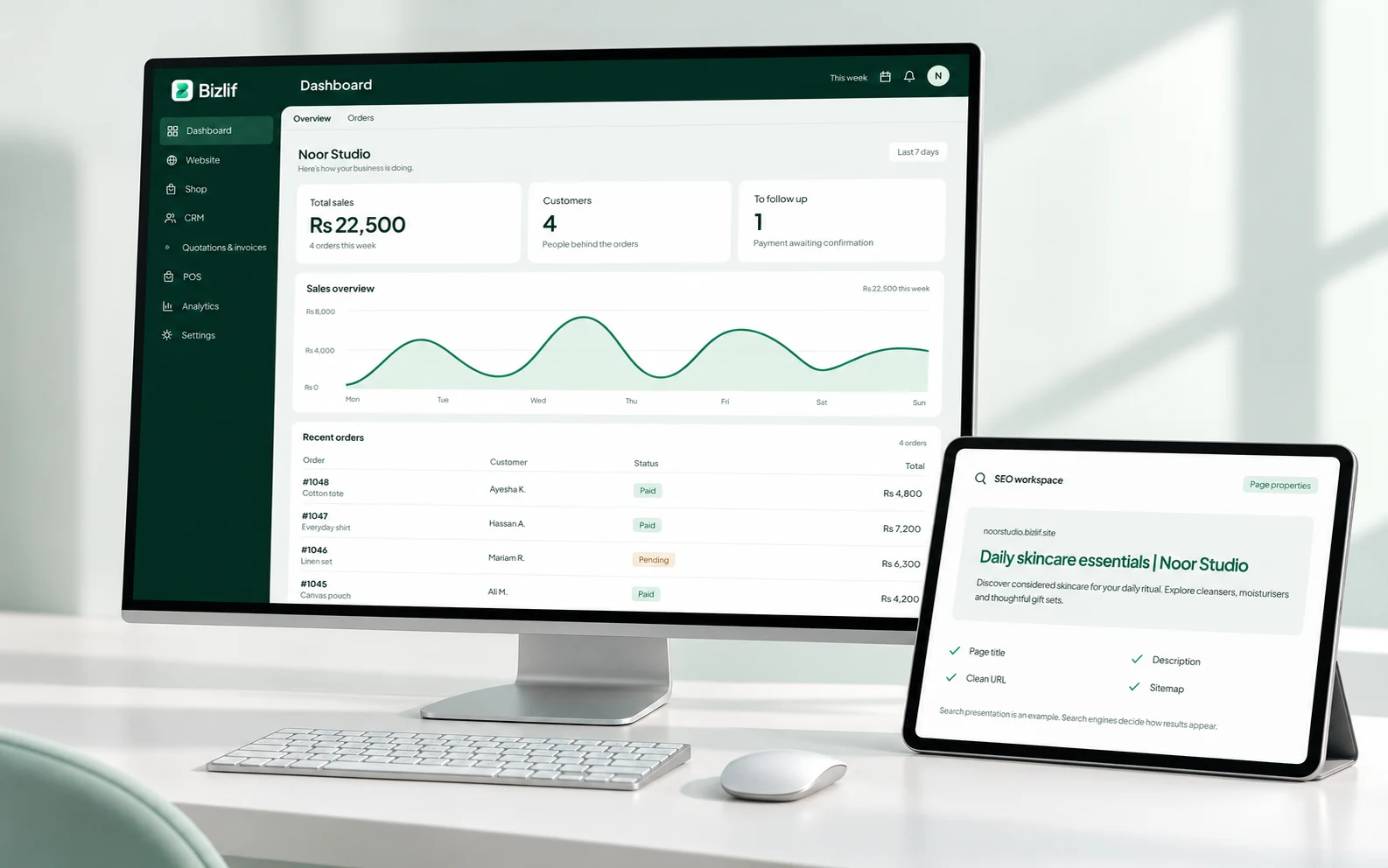
Review the sale as well as the total
At the end of a shift, compare register activity, recorded payments and the money or payment references received. Review discrepancies while the details are still easy to understand.
Use available sales reports to ask a specific question, such as which products need attention. A chart is useful when it helps you choose the next action.
Choose a plan for your actual workload
Check product, storage, website and team limits against the way your shop operates. A growing catalog with large images has different requirements from a small collection.
Use the current pricing page for the live plan limits. Keep payment-provider charges, custom-domain registration and hardware costs separate when working out your total operating cost.
Put it into practice
Organise products, prices and stock records
Prepare accurate names, quantities, prices and useful descriptions. Organise the records so your team can find the right item without guessing.
Create your retail website
Complete this task with the information from your own business. Save unfinished work separately and check the result before moving to the next step.
Configure POS and register settings
Complete this task with the information from your own business. Save unfinished work separately and check the result before moving to the next step.
Check payment methods and receipt hardware
Check the methods and devices your business actually uses. Follow a controlled test and verify the result before relying on the setup for customers.
Follow an online order and counter sale
Record the relevant customer requirement and agree the next action. Keep private information limited to the people who need it.
Reconcile payments and stock movements
Prepare accurate names, quantities, prices and useful descriptions. Organise the records so your team can find the right item without guessing.
Common questions
Can I start for free?
Yes. Set up a focused catalog and the available store tools within your plan limits. Check POS and inventory access before depending on a particular workflow at your counter.
Read the practical guidesCan I edit my website after publishing?
You can update the design and catalog from the workspace. Review the selected business and test any changes affecting checkout or product availability before a busy sales period.
Read the practical guidesWhere can I check current plan limits?
Compare product, storage, website and team limits on the current pricing page. Confirm payment and receipt hardware requirements separately.
Compare current plansMake your next move
Start free with your own website and add the business tools you need. No coding or separate hosting setup needed.
Start free