
Your business, in one workspace
Keep CRM, quotations, invoices, inventory and POS close to your website. Choose the tools that fit the way your team works.
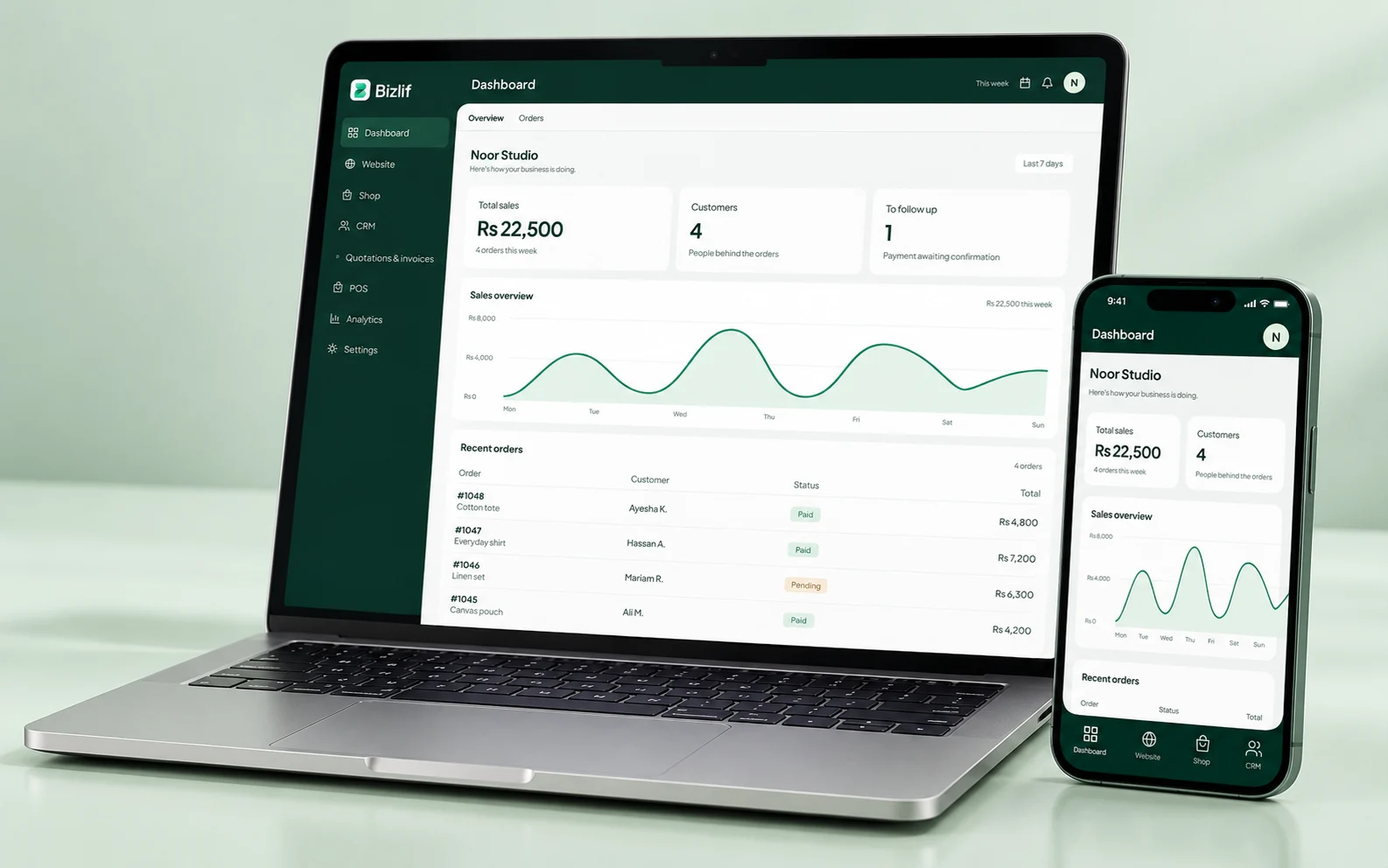
Start with the customer, not another spreadsheet
Record who is asking, what they need and the next action your team has agreed. A useful customer note explains the work; it does not need to contain every conversation or unnecessary personal information.
For example, a customer asking for a shop fitting may need a site visit, a quotation and a follow-up. Keep that sequence visible rather than spreading it between a notebook and several chat threads.
Move from an enquiry to a quotation
Prepare the offer around the customer, the products or services and the scope of work. Make exclusions and payment terms clear before sharing it. Save a draft if the details are not ready.
Track the proposal through its workflow. When the customer changes the scope, update the quotation clearly so both sides know which version applies.
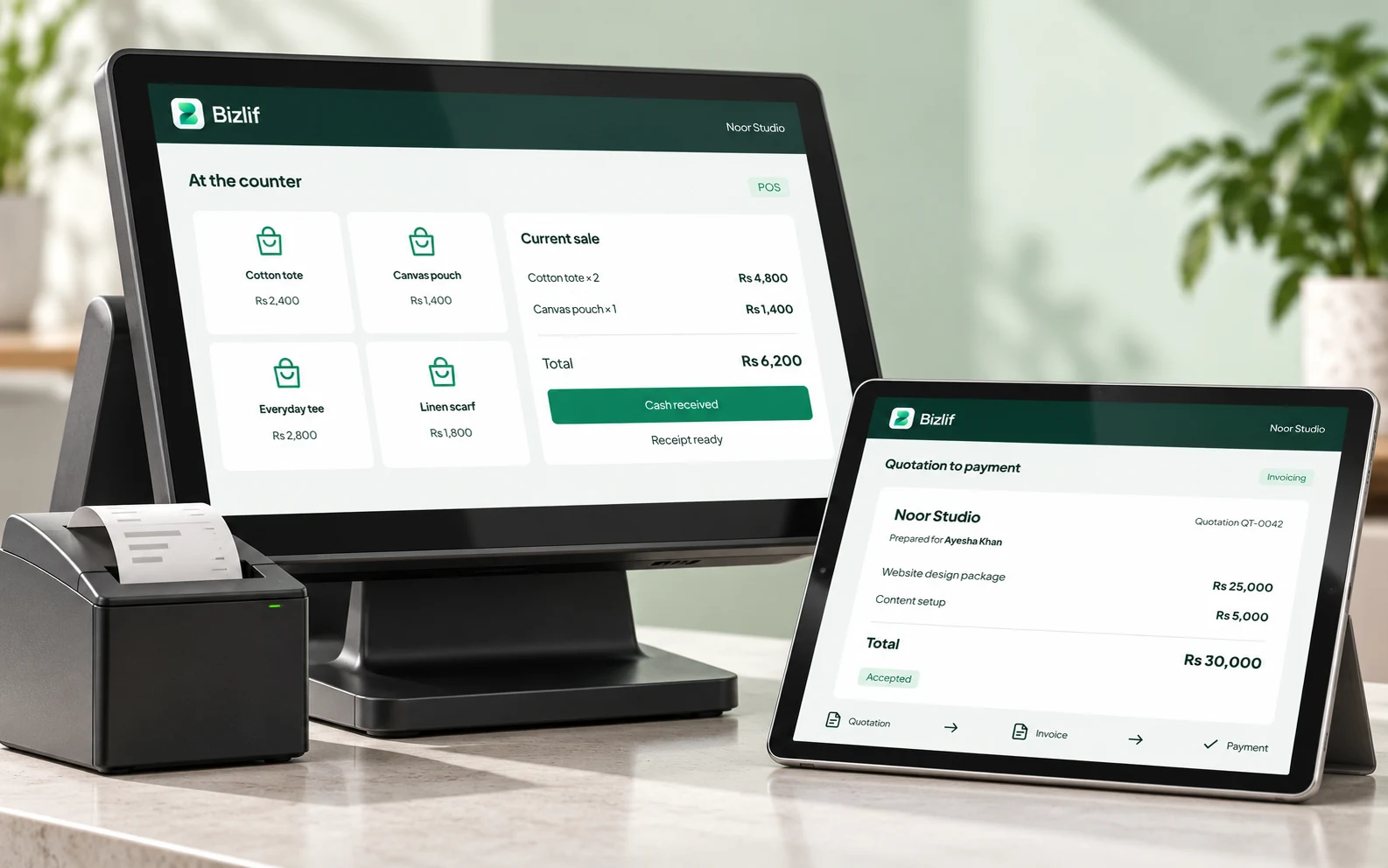
Keep billing and payment records connected
Issue an invoice at the appropriate billing point, then record money received against the correct document. A partial payment should leave an outstanding balance that your team can see.
A payment record in Bizlif is not proof that money reached your bank. Reconcile the amount and reference with the payment method your customer used. Review local invoicing and tax requirements for your business.
Use inventory and POS where the work happens
Counter staff need products they can find, correct prices and a clear payment workflow. Inventory records help the team review stock movements and adjustments.
Before a busy day, check the selected business, available products and register setup. Keep a connection available for the connected workspace and confirm any receipt-printer requirements.
Give each team member useful access
Use the available roles and business-app permissions rather than sharing one sign-in. Review access when a person joins, changes responsibilities or leaves.
A person updating product descriptions may not need permission to change billing or manage other team members. Keep ownership and connected-service credentials with the people responsible for them.
Keep every business in its own context
Use one account for different brands, then select the website whose records you want to manage. Products, pages, customers and settings belong to that selected business.
Check the switcher before editing a price or publishing a page. Website and team limits depend on your plan; compare the actual limits rather than choosing a plan only by its name.
Put it into practice
Create the business website
Complete this task with the information from your own business. Save unfinished work separately and check the result before moving to the next step.
Set up contacts and the product catalog
Prepare accurate names, quantities, prices and useful descriptions. Organise the records so your team can find the right item without guessing.
Enable the available apps you need
Complete this task with the information from your own business. Save unfinished work separately and check the result before moving to the next step.
Agree team roles and responsibilities
Give each person access suited to their responsibilities. Keep ownership and sensitive configuration with the people responsible for them.
Test the enquiry-to-payment workflow
Open the actual page or workflow on a phone. Follow links and actions as a customer would, including the result after submission or checkout.
Review records and follow-up work regularly
Record the relevant customer requirement and agree the next action. Keep private information limited to the people who need it.
Common questions
Can I start for free?
Yes. Start with your website and add the available apps your business needs. Check permissions, plan limits and the configuration required by each tool.
Read the practical guidesCan I edit my website after publishing?
Yes. Website content can be edited in the builder while business records are managed in their relevant apps. Check the selected business before changing products or documents.
Read the practical guidesWhere can I check current plan limits?
The live pricing page and available app catalog are the sources for current limits. External accounts, payment charges, hardware and custom-domain registration may be separate.
Compare current plansMake your next move
Start free with your own website and add the business tools you need. No coding or separate hosting setup needed.
Start free