
Give your work its own home
Create a portfolio, publish a blog and build a website you can keep updating as your work grows.
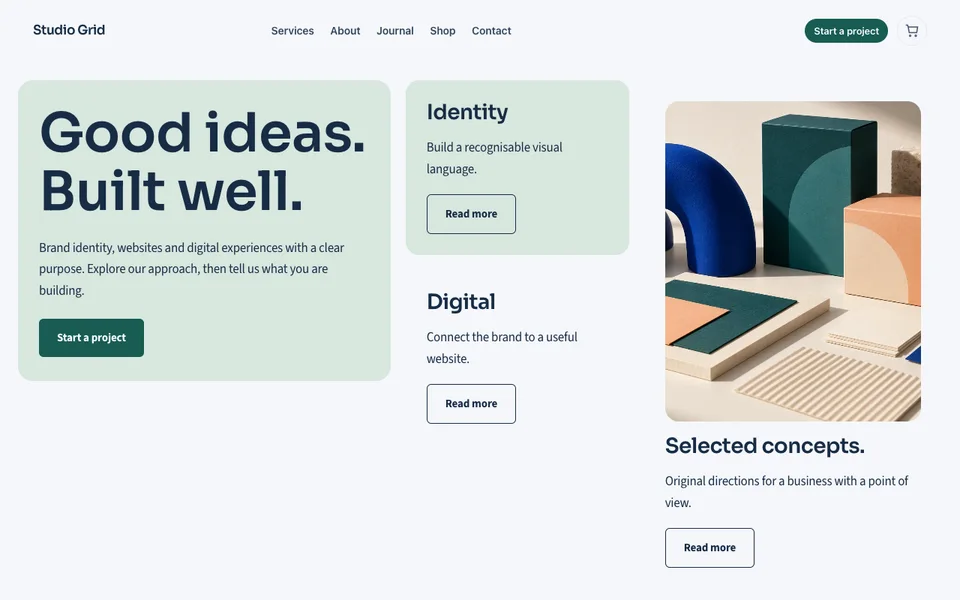
Choose the work you want people to see
A portfolio does not need every project. Choose examples that show the kind of work you want to do next and explain the brief, your contribution and the result without inventing performance claims.
Get permission before publishing a client’s private material. Clear captions and context help a visitor understand an image more than a large, unexplained gallery.
Make the next step easy to find
Tell visitors whether you take commissions, provide a service or sell a product. Put a clear contact route near the relevant work and explain what to include in an enquiry.
Check the page on a phone. People discovering your work through social media should be able to read it and act without pinching, zooming or hunting through the menu.
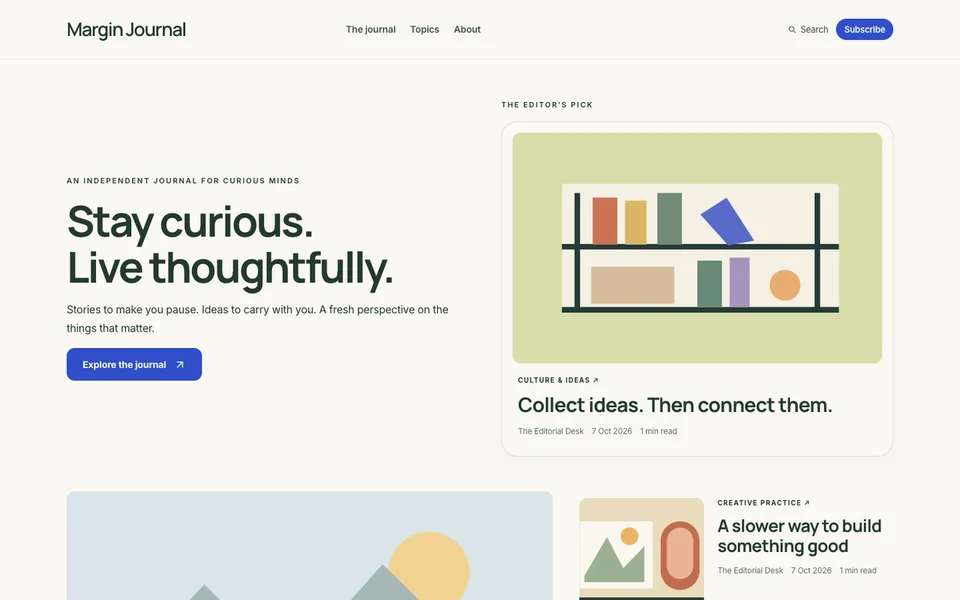
Publish articles that add something useful
Use the blog to explain your process, share a practical guide or answer a question you can discuss in detail. Organise posts into sensible categories and write an introduction that makes the article’s purpose clear.
Keep the work original, link to sources for external facts and distinguish an example from something you actually did. Do not add a false professional qualification to make a byline sound authoritative.
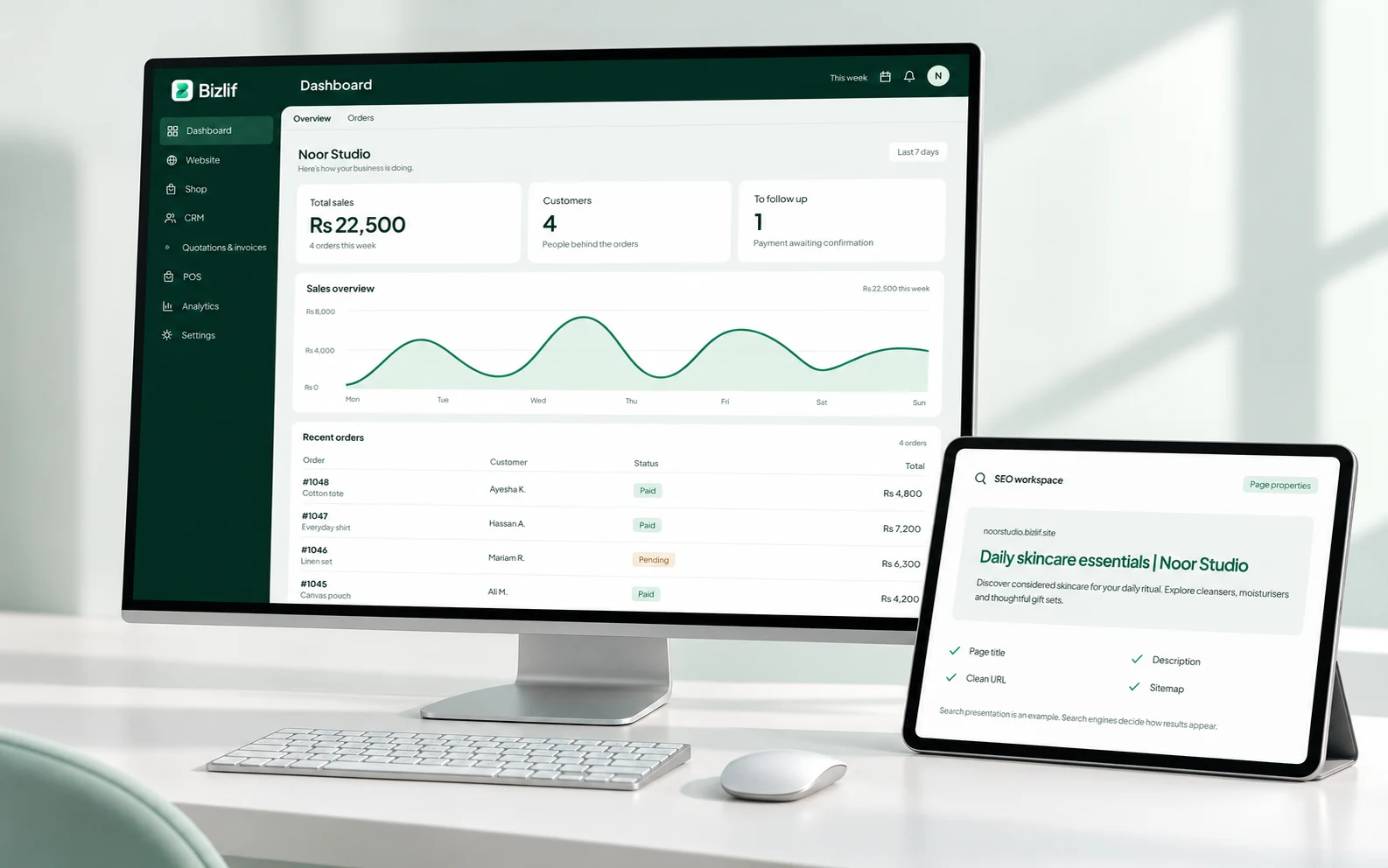
Keep your visual identity consistent
Use a theme as a starting point, then apply your colours, typography, logo and media. The Visual Builder lets you arrange elements and refine layouts without writing code.
A consistent design helps the work lead. Test long titles, portrait images and mobile layouts before publishing an entire collection.
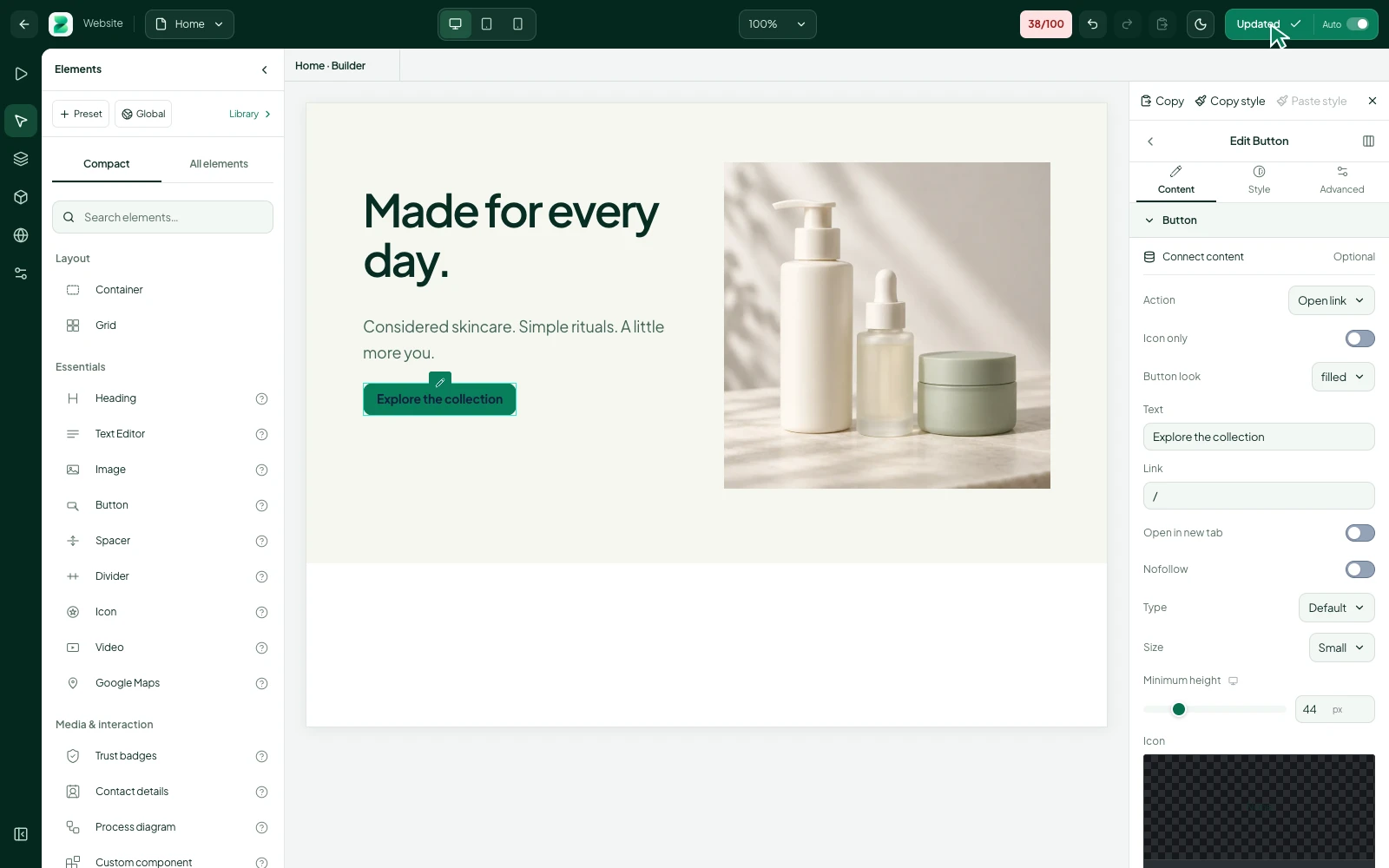
Plan selling around available tools
Use supported store features for the products you are ready to offer and check payment and delivery requirements. Review the limits and file rules before selling protected downloads.
Full merchant course and membership selling is planned. You can build a website and collect interest now, but should not advertise unreleased learning or subscription features as part of a live purchase.
Build a library readers can navigate
Link related articles, connect a project to the service behind it and keep old links useful when a page moves. Give important pages descriptive search titles and readable addresses.
Measure the pages people actually use, then improve the paths between them. More posts are not automatically better if readers cannot find a useful next step.
Put it into practice
Choose the work you have permission to show
Give each person access suited to their responsibilities. Keep ownership and sensitive configuration with the people responsible for them.
Select a portfolio or publishing theme
Remove placeholders and verify prices, contact details and policy links. Review the public result rather than relying only on an editor preview.
Explain your role and the project context
Complete this task with the information from your own business. Save unfinished work separately and check the result before moving to the next step.
Publish useful original articles
Remove placeholders and verify prices, contact details and policy links. Review the public result rather than relying only on an editor preview.
Check mobile navigation and contact links
Record the relevant customer requirement and agree the next action. Keep private information limited to the people who need it.
Update the collection as your work changes
Complete this task with the information from your own business. Save unfinished work separately and check the result before moving to the next step.
Common questions
Can I start for free?
You can start free with a portfolio or publishing website within the current plan limits. Use media you own or have permission to publish and make the contact route clear.
Read the practical guidesCan I edit my website after publishing?
Yes. Add work, revise the layout and publish useful articles as your collection grows. Check mobile layouts and any links shared from social media after making a change.
Read the practical guidesWhere can I check current plan limits?
Compare current storage, website and team limits. Check the requirements for store products or protected downloads separately; full merchant course and membership selling is planned.
Compare current plansMake your next move
Start free with your own website and add the business tools you need. No coding or separate hosting setup needed.
Start free