
Quotations and invoices, in order
Prepare a proposal, issue an invoice and record payments in the same Bizlif account. Keep the customer and the paperwork together.
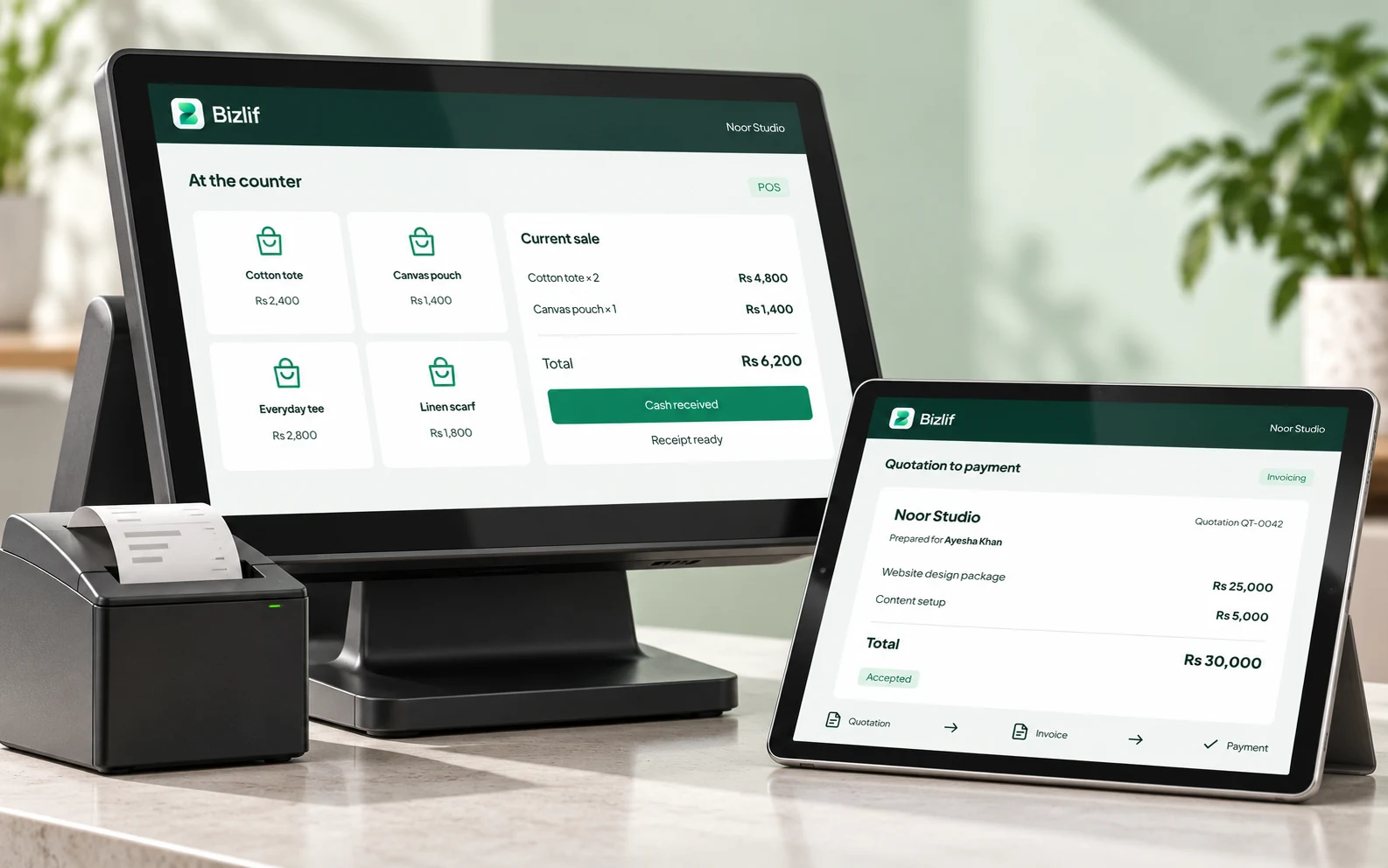
Send a quotation with clear terms
Choose the customer, add your products or services and review quantities, prices and the terms of the work. Save a draft until it is ready to share.
Track the quotation through its workflow so your team can see which proposals need attention and which have been accepted.
Track invoices and outstanding balances
Create invoices for the work you are billing, then record payments against the correct customer and document. Review the remaining balance rather than relying on a separate chat or notebook.
Use customer statements and available credit-note tools when reviewing the account. Check local invoicing and tax requirements for your business before issuing documents.
Make repeat work easier
Use supported recurring-invoice and task-automation workflows for work that repeats. Review schedules, recipients and amounts before enabling an automation.
Keep your team’s document permissions up to date. A shared workflow should make it clear who prepares a document and who is responsible for checking it.
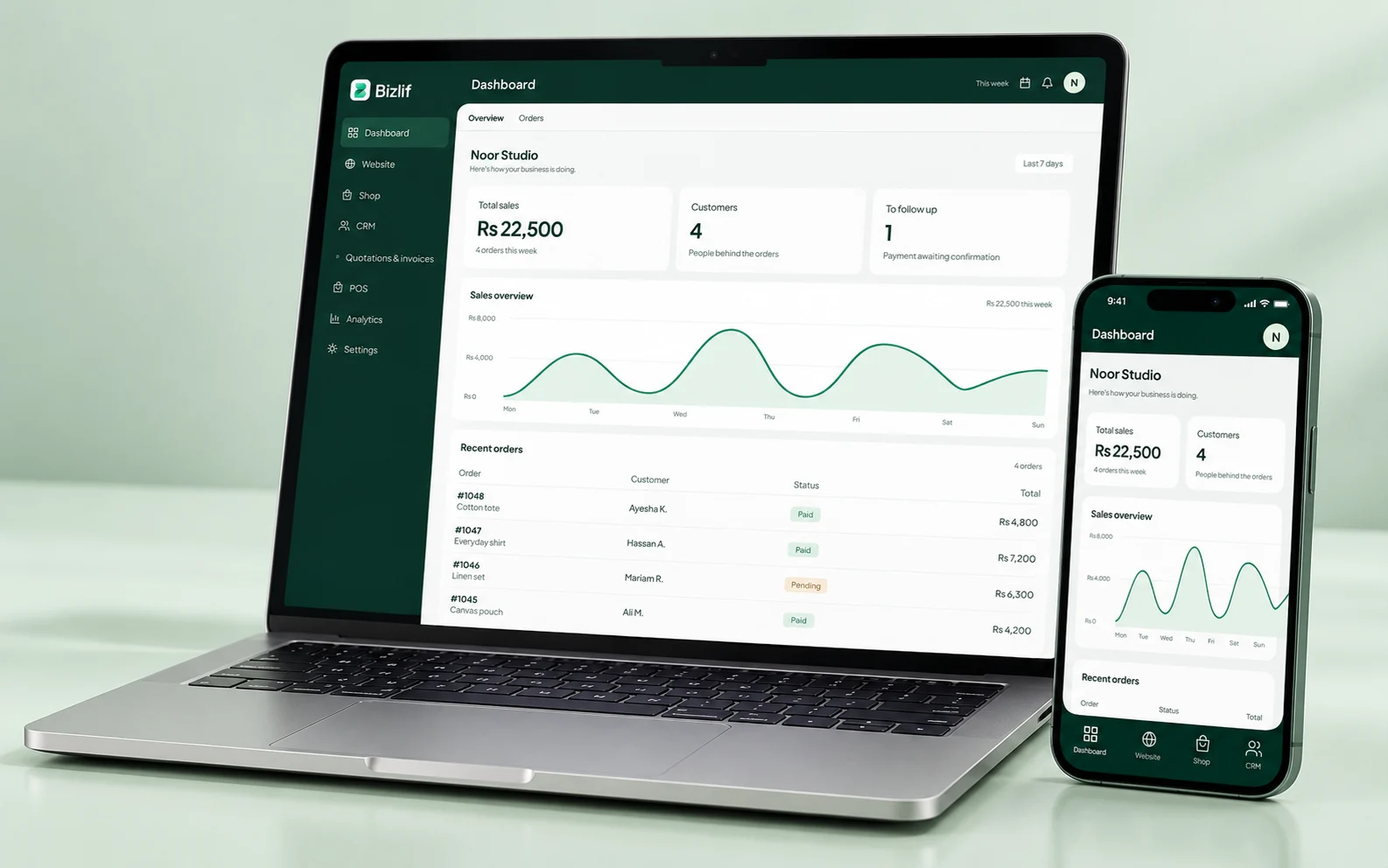
Make the document clear before sharing
Use quantities, descriptions and terms that the customer can understand. A service quotation should explain its scope; a product quotation should identify the actual items. Check the recipient and amount before issuing anything. Your own tax and invoicing obligations still need separate review.
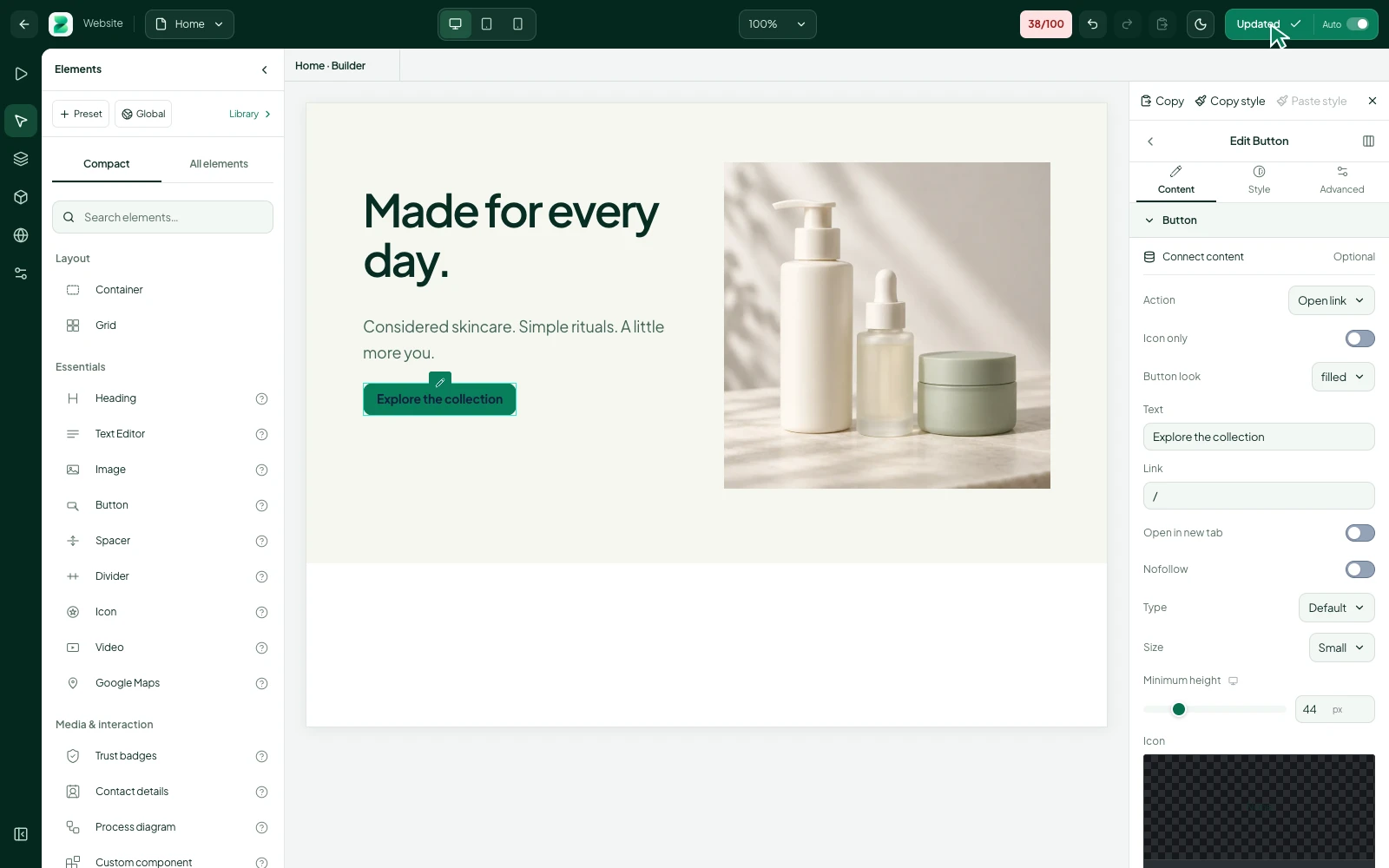
An example of a partial payment
If the agreed invoice is Rs 20,000 and the customer pays Rs 5,000, record that payment against the correct document and review the Rs 15,000 balance before any applicable adjustment. Keep the actual bank or payment reference so your team can reconcile the record.
Avoid a confusing reminder
Check the customer statement and payment references before following up. A customer may have paid against a different reference, or a credit note may change the amount. Send a reminder with the correct document and balance rather than relying on an old chat message.
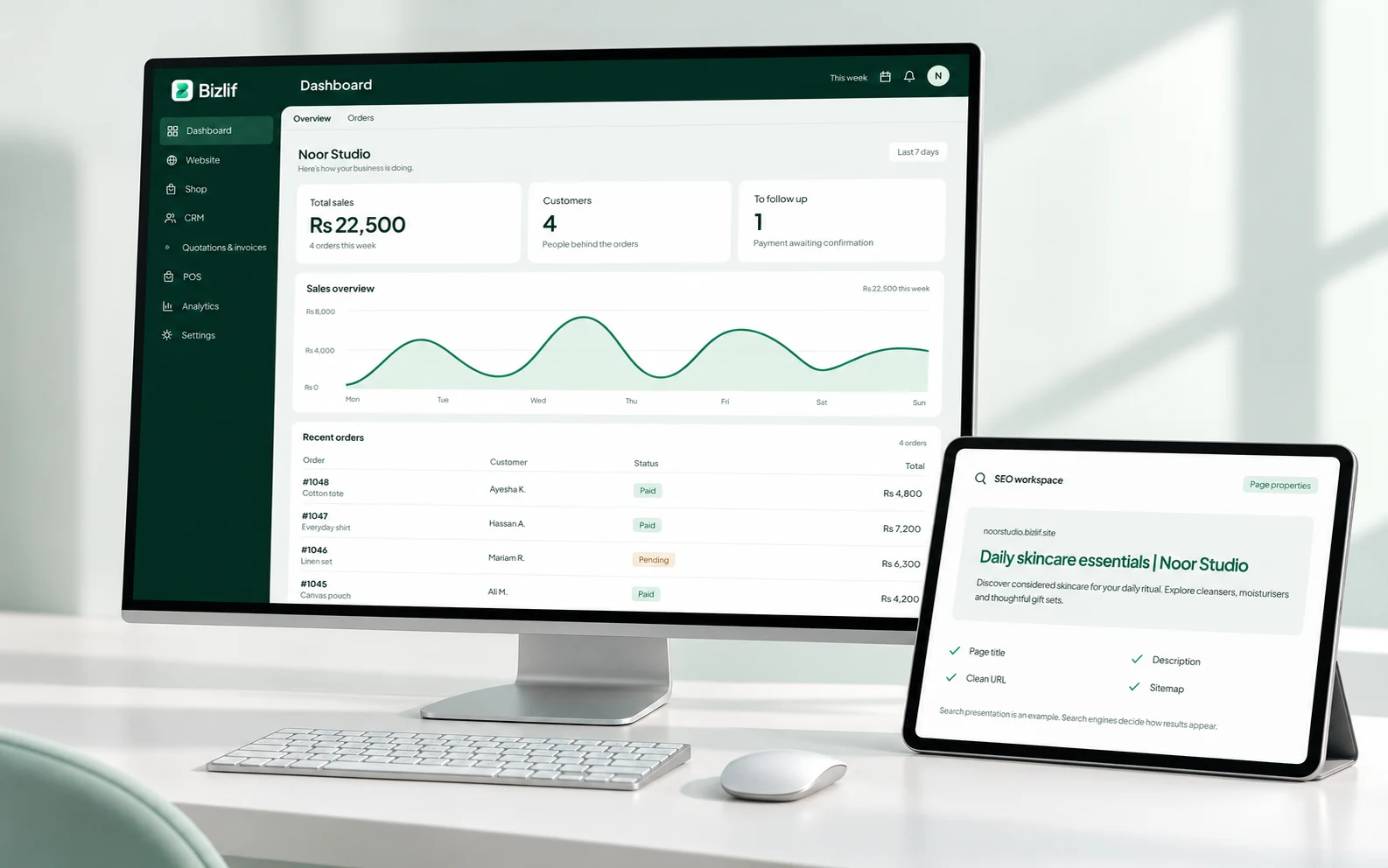
Put it into practice
Choose the correct customer
Complete this task with the information from your own business. Save unfinished work separately and check the result before moving to the next step.
Add products or services and review the scope
Prepare accurate names, quantities, prices and useful descriptions. Organise the records so your team can find the right item without guessing.
Save and check the quotation before sharing
Check the customer, scope, quantities and terms before sharing a document. Keep payment references with the correct record and reconcile money actually received.
Record the outcome of the proposal
Complete this task with the information from your own business. Save unfinished work separately and check the result before moving to the next step.
Issue the invoice at the agreed billing point
Check the customer, scope, quantities and terms before sharing a document. Keep payment references with the correct record and reconcile money actually received.
Match payments and review the balance
Check the underlying records as well as the headline number. Use a specific question to decide what needs updating or investigating next.
Common questions
What is the difference between a quotation and an invoice?
A quotation proposes the scope and price; an invoice bills the products or services at the appropriate stage. Keep the references and terms clear. A quotation is not automatically a tax invoice because it contains prices.
Read the practical guidesDoes recording a payment collect money?
No. Recording a payment is a recordkeeping action. Confirm the money using the actual bank or payment method, then record the correct amount and reference in Bizlif. Do not mark a document paid solely because a customer says they sent money.
Read the practical guidesCan I track a partial payment?
Record the amount received against the correct invoice and review the remaining balance. Reconcile references before sending a reminder. Check the customer statement if several payments or credit notes are involved.
Compare current plansStart your business website free
No coding needed. No experience needed. Choose a free plan, build your first page and publish when you are ready.
Start free