
Getting started
Your first business website: a practical launch checklist
What to prepare, what to put on your pages and what to test before sharing your website with customers.
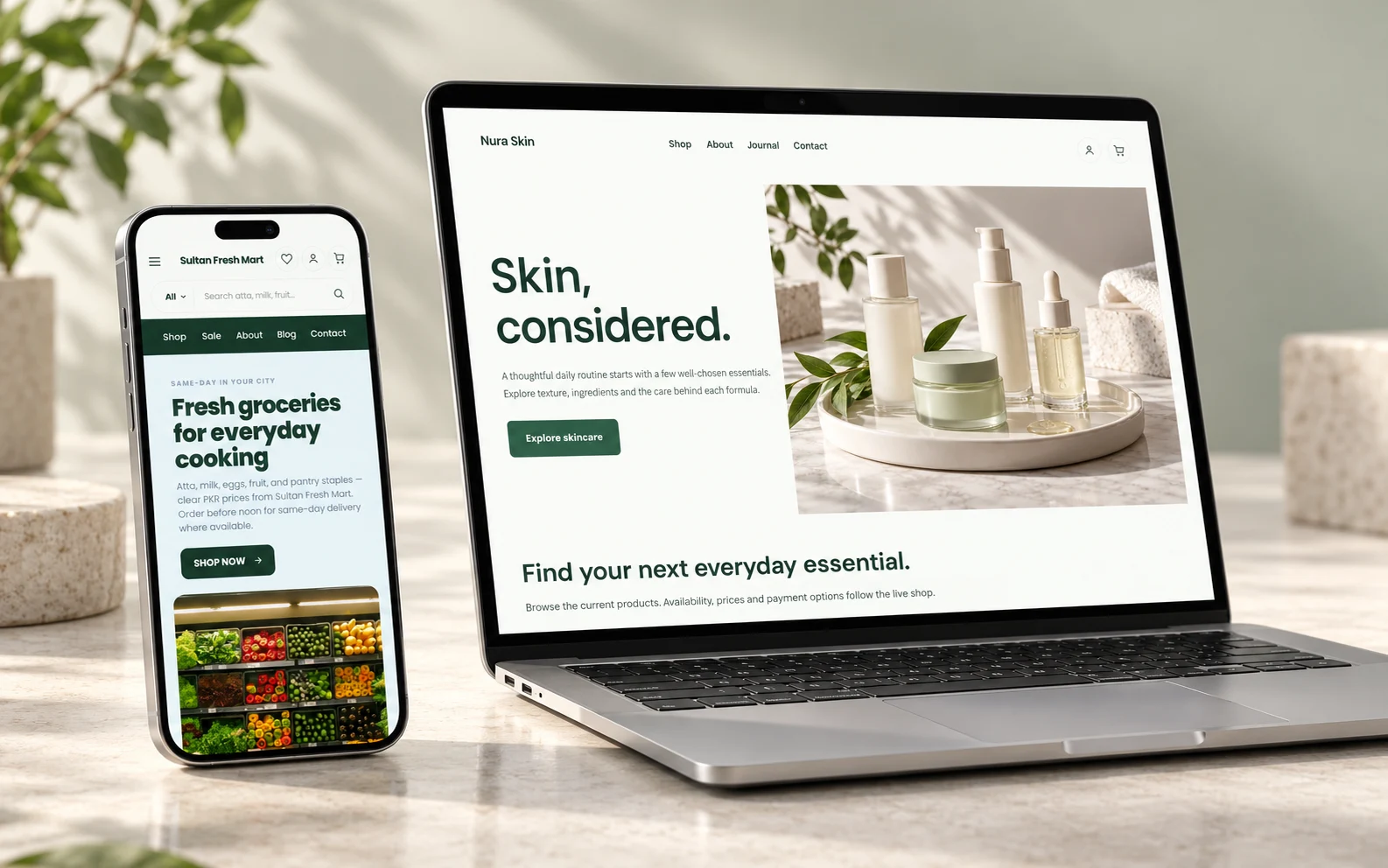
A useful business website answers three questions quickly: what do you offer, can the visitor trust you, and what should they do next? You can start with a small website. The important part is making those answers clear.
Prepare the information customers need
Write down your business name, a short description of your offer, the areas you serve and how customers should reach you. Collect your logo and clear photos you own or have permission to use. A few accurate product or service photos are more useful than a large gallery of unrelated stock images.
For a shop, prepare product names, prices, sizes or options and current stock information. For a service business, explain what is included, where the service is available and how to request a quotation. Do not advertise a response time or delivery promise your team cannot consistently meet.
Build the essential pages first
Your home page should explain the offer and lead to one main action, such as browsing products or contacting your team. Add enough detail on product or service pages for someone to decide whether the offer fits their needs.
- Home: what you offer, who it is for and the next step.
- Products or services: details, pricing where appropriate and clear availability.
- About: a truthful introduction to the business behind the website.
- Contact: working contact methods, service area and relevant business details.
- Policies: privacy, delivery, returns and any terms relevant to what you sell.
In the Bizlif Visual Builder, start with a theme and replace its sample content. Remove pages and sections you are not ready to maintain rather than publishing placeholders.
Choose an address people can remember
You can begin with the Bizlif address provided during setup. If you already own a domain, check your plan’s custom-domain support before connecting it. Domain registration and hosting are different: Bizlif manages hosting and SSL, while a separately registered domain has its own registration and renewal arrangements.
Use one consistent business name and address across the places where customers find you. Check spelling carefully before putting an address on printed material or running an advertisement.
Test the whole journey on your phone
Open the published page in a normal mobile browser. Check that the menu works, text is readable, images fit and the main action is easy to tap. Follow every contact link. If you sell online, place a genuine test order using an appropriate test or manual-payment workflow and check the order record without charging a customer.
Review prices, shipping coverage, payment instructions and policy links. Ask another person to find a product or request a service without explaining the page to them. The questions they ask often reveal what your copy is missing.
Publish, share and keep it accurate
Give each important page a descriptive search title and review its indexing settings. Share the website with a small group first, fix any problems they find, then use it in your business profile or advertising.
Publishing is the start of maintenance, not the end. Keep products, contact details and policies current, and review what visitors actually need as your business grows. Start your free Bizlif account when your first page is ready to take shape.
Decide what the first visit should accomplish
Suppose you run a small furniture business. A visitor may need dimensions, material, delivery coverage and a way to ask about a custom size. That is a different journey from buying a standard pack of stationery. Design the page around the actual decision instead of copying a shop layout because its sample photos look good.
Put the main action next to the information that supports it. A request for a quotation belongs near the scope and contact instructions. A product purchase belongs near its accurate price and options. Test that action yourself after publishing.
Check the full cost before choosing a paid plan
Compare the current Bizlif plans over the same subscription period. Website count, storage and team access can matter as much as the headline price. Keep custom-domain registration, external payment-provider charges and any counter hardware separate in your calculation.
If an annual offer is available, read its actual term and deadline. An introductory offer does not permanently replace the normal renewal price. For a broader decision, our platform comparison explains what to check against Wix, Shopify and WordPress using their official sources.