
Business operations
Quotation or invoice? Use the right document at the right time
A simple workflow for preparing an offer, billing accepted work and keeping track of what a customer has paid.
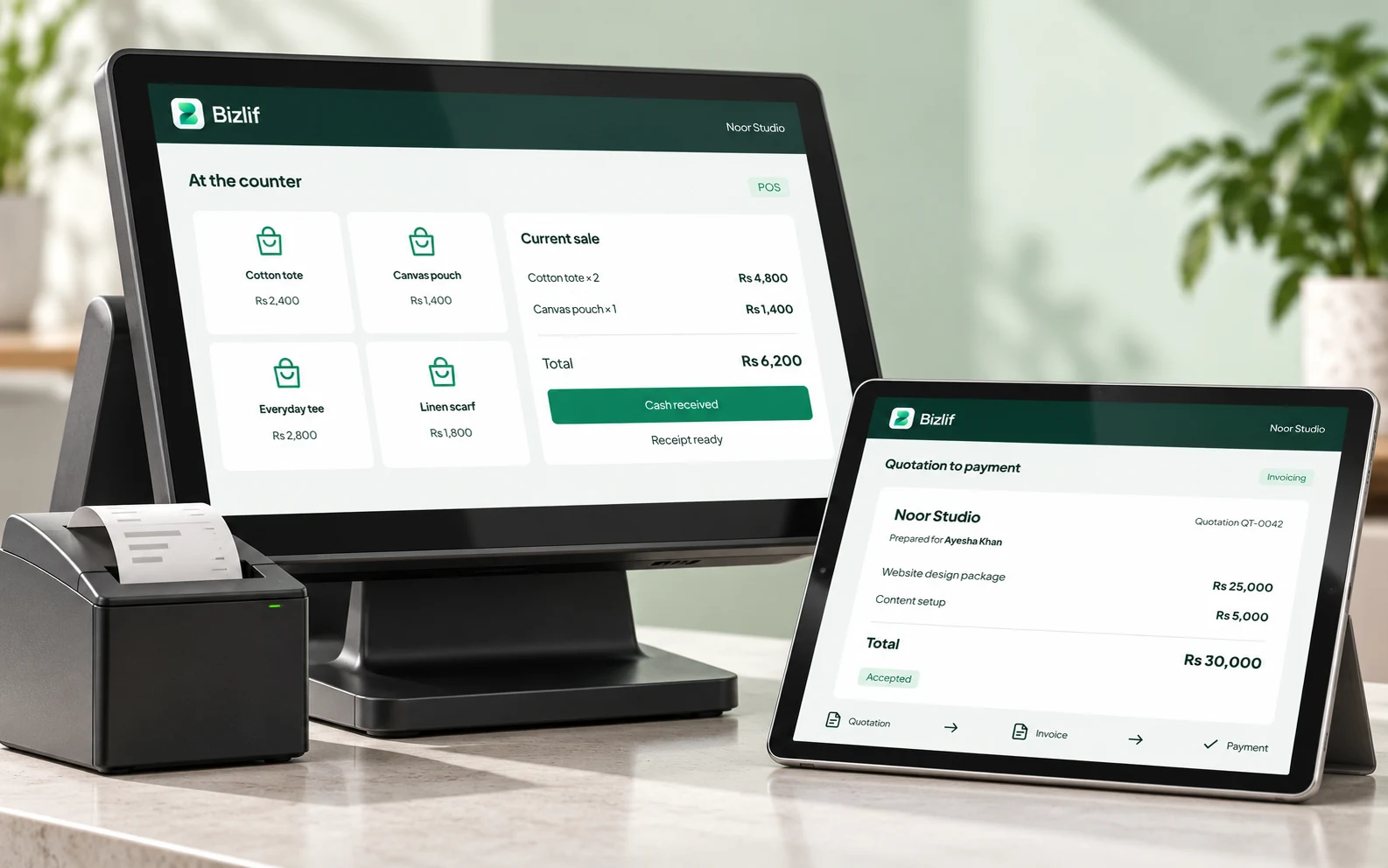
A quotation describes a proposed price and scope of work. An invoice asks for payment for the products or services being billed. Keeping those documents distinct makes the customer’s next step clearer and gives your team a more useful record.
Use a quotation to make the offer clear
Prepare a quotation before the customer commits to work that needs an agreed scope or price. For example, a print shop might quote for 200 printed boxes with a particular size, finish and delivery arrangement. A service business might quote for a defined installation or project.
State what is included, the quantities, the price, the validity period and the terms the customer needs to understand. Explain any exclusions instead of leaving them for a later conversation. Review the recipient and document before sharing it.
If the customer changes the scope, update the offer clearly and retain the context needed to understand what was finally agreed. A friendly message saying “okay” is less useful than a record connected to the correct proposal.
Create the invoice for the work you are billing
Once the appropriate billing point is reached, issue an invoice with the customer details, an identifiable reference, the products or services, the amount due and your payment instructions. Make dates and any agreed payment schedule easy to find.
Local tax and invoicing obligations depend on the business and transaction. Check the information and records your accountant or relevant authority requires. A software-generated document does not by itself establish tax compliance, and a quotation is not a tax invoice simply because it lists prices.
Record a payment against the right invoice
When money is received, record the amount, date and reference against the correct customer and document. If a customer pays only part of an invoice, the remaining balance should still be visible.
For example, an invoice for Rs 20,000 with a recorded payment of Rs 5,000 leaves Rs 15,000 outstanding, before any applicable adjustments. Keep the bank or payment reference with your own records so the payment can be checked later.
Recording a payment in Bizlif is a recordkeeping action. It does not cause money to arrive in your bank account. Reconcile your records with the actual payment method your customer used.
Handle changes without losing the trail
If the amount billed needs correcting, use the available credit-note or adjustment workflow appropriate to the situation and your obligations. Avoid silently changing a document the customer already relies on without explaining the change.
Review a customer statement when several documents or payments are involved. Check for duplicate payments, incorrectly matched references and outstanding balances before sending a reminder.
Keep a repeatable weekly routine
- Review draft quotations and follow up on offers still awaiting a decision.
- Check accepted work that is ready for billing.
- Match recorded payments to the money actually received.
- Review overdue balances and contact customers with the correct reference.
Bizlif quotations and invoicing brings these steps into one business workspace. Set the process up carefully, then use it consistently so your records remain useful as your business grows.
A simple service-business example
Imagine an installation business quoting Rs 20,000 for a specific job. Its quotation should explain what will be installed, what the customer needs to provide and any exclusions. If the customer asks for extra work, resolve the scope before treating the original price as final.
At the agreed billing point, issue the invoice for the correct amount and terms. If Rs 5,000 is received, record the actual payment reference and review the remaining balance. Do not confuse accepting the quotation, issuing the invoice and receiving money: each describes a different event.
Choose a workflow your team can maintain
Give the people preparing documents the access they need, and agree who checks prices and terms before a document is shared. A clear review process is more valuable than adding an automation to an inconsistent one.
Explore the business workspace if your next task is connecting CRM and invoicing. The services and studios guide follows the wider journey from an enquiry to paid work.